JavaScript Destructuring
Open any modern React or Node.js project and you'll see destructuring everywhere. It's how developers write clean, readable code instead of repeatedly typing long property chains. Learn it once, use it forever.
Destructuring is a cleaner way to unpack values from arrays or properties from objects into variables. Instead of reading values one by one, you can grab multiple values in a single expression.
Prerequisite: before continuing, make sure you know how JavaScript arrays store values by index and how JavaScript objects store named properties. Destructuring only provides a shorter way to read those existing structures; it does not change how arrays or objects work.
It was introduced in ES6 and quickly became one of the most useful syntax upgrades for writing readable JavaScript.
Destructuring extracts values or references from the source; it does not create a deep copy. It assigns primitive values and keeps references to nested objects or arrays, so changing a nested value through either reference can affect the same data.
// Without destructuring
const colors = ["red", "green", "blue"];
const first = colors[0];
const second = colors[1];

// With destructuring
const [a, b, c] = colors;
console.log(a); // red
console.log(b); // green
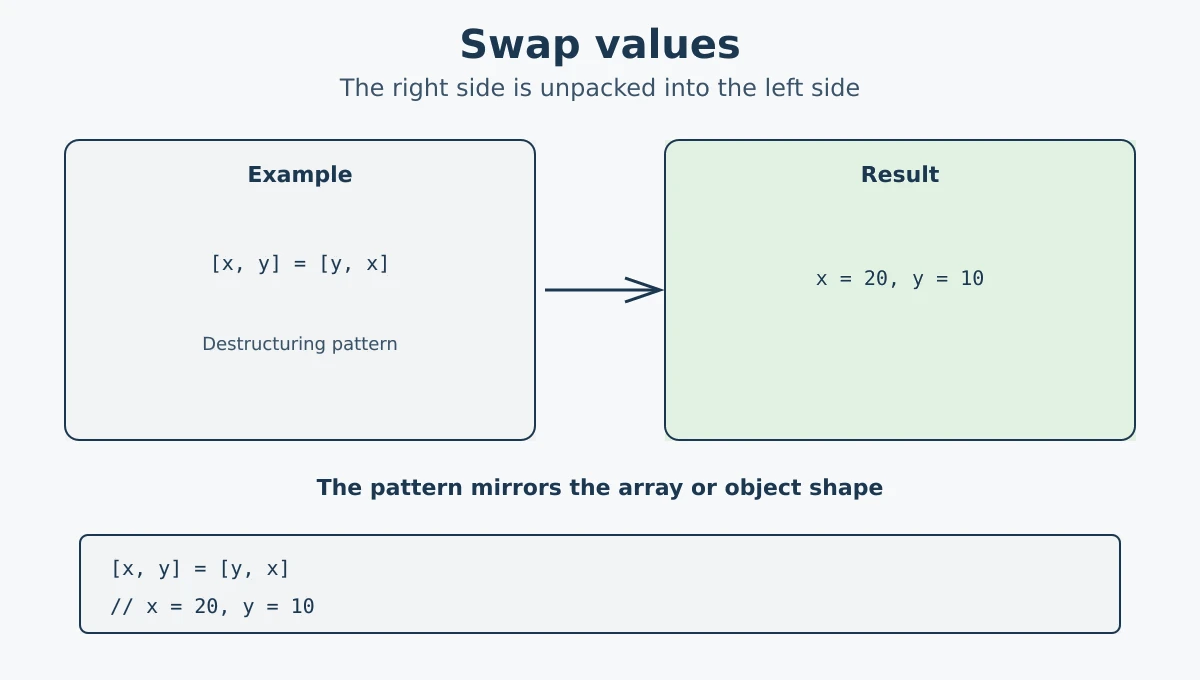
console.log(c); // blueOne handy use of array destructuring is swapping (reversing) two variables. Normally you would need a temporary variable, but with destructuring you can do it in one line.
let x = 10;
let y = 20;

// Swap values using destructuring
[x, y] = [y, x];

console.log(x); // 20
console.log(y); // 10
No temporary variable needed. The right side creates a temporary array [y, x], and the left side unpacks it back into x and y in reversed order.
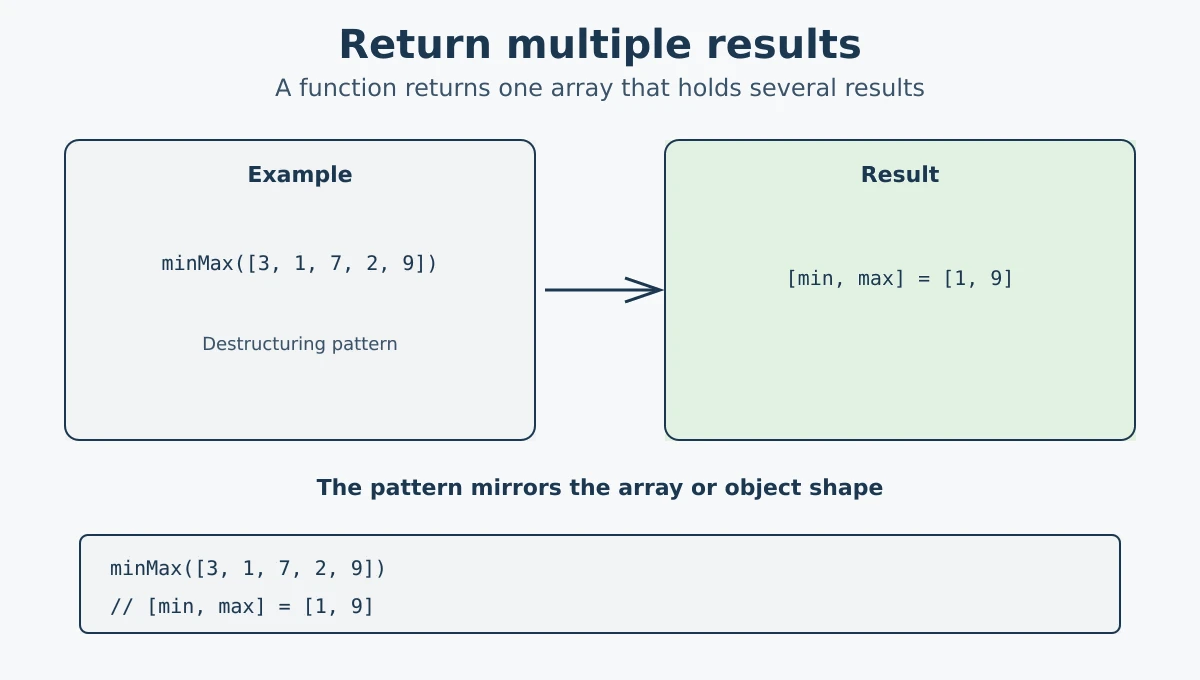
A function returns one value at a time, but that value can be an array. With destructuring, you can pull multiple results from that returned array in one line.
function minMax(arr) {
  return [Math.min(...arr), Math.max(...arr)];
}

const [min, max] = minMax([3, 1, 7, 2, 9]);
console.log(min); // 1
console.log(max); // 9
The function returns an array with two values. Using destructuring, you capture both values directly into named variables in one step.
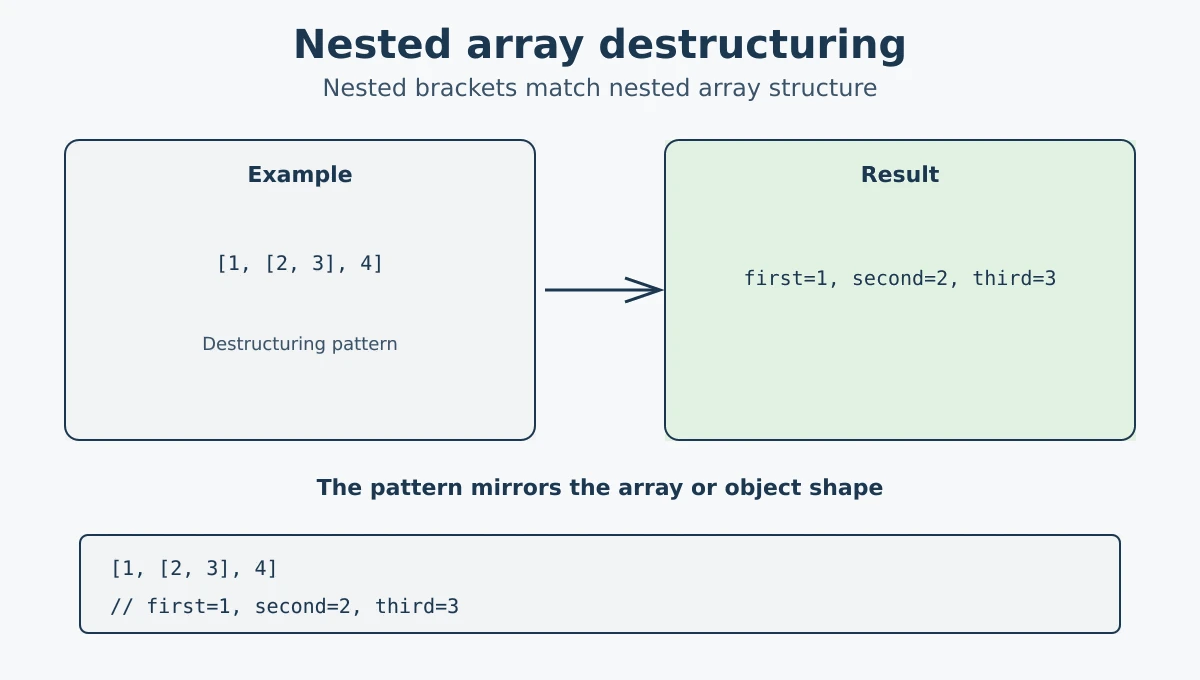
When an array contains another array inside it (nested array), you can destructure the inner array too by using nested brackets in the pattern.
const nested = [1, [2, 3], 4];

const [first, [second, third], fourth] = nested;

console.log(first);  // 1
console.log(second); // 2
console.log(third);  // 3
console.log(fourth); // 4
The inner brackets [second, third] match the nested array [2, 3] and extract its values individually.
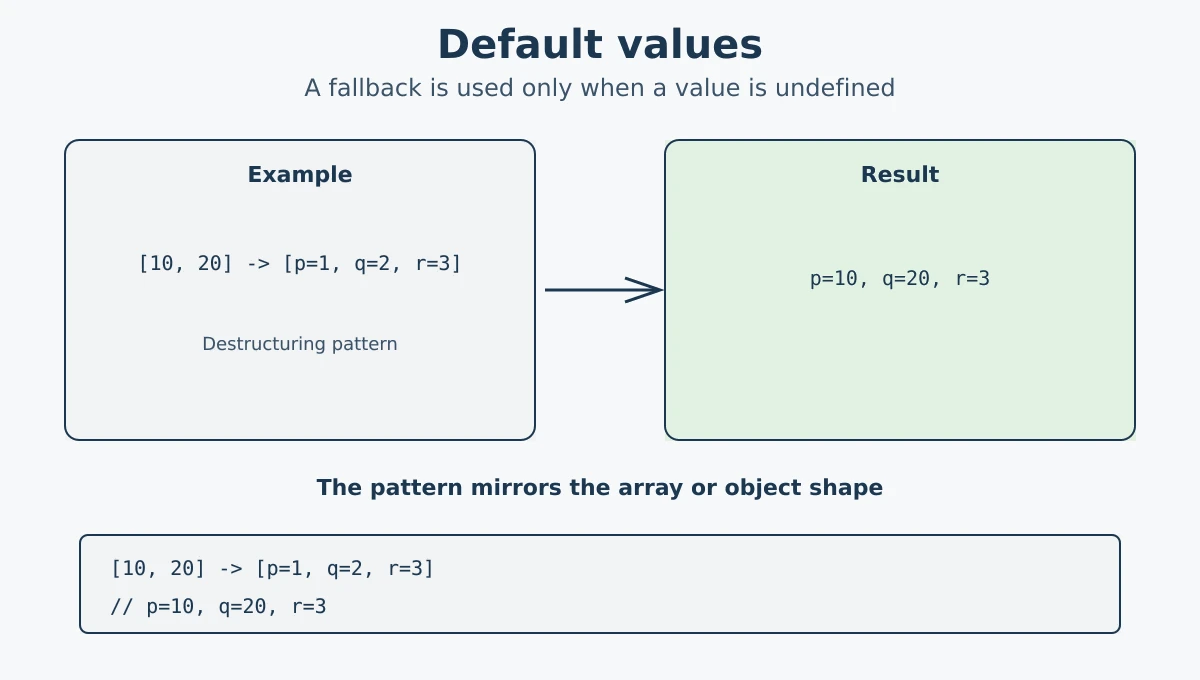
If the array has fewer items than expected, missing variables become undefined. You can prevent that by assigning default values.
const [p = 1, q = 2, r = 3] = [10, 20];

console.log(p); // 10  (value from array)
console.log(q); // 20  (value from array)
console.log(r); // 3   (default used, no value in array)
Default values are only used when the corresponding position in the array is undefined. If a value exists, the default is ignored.
A default does not replace other falsy values such as
0, false, or an empty string.
It also does not apply when the value is
null.
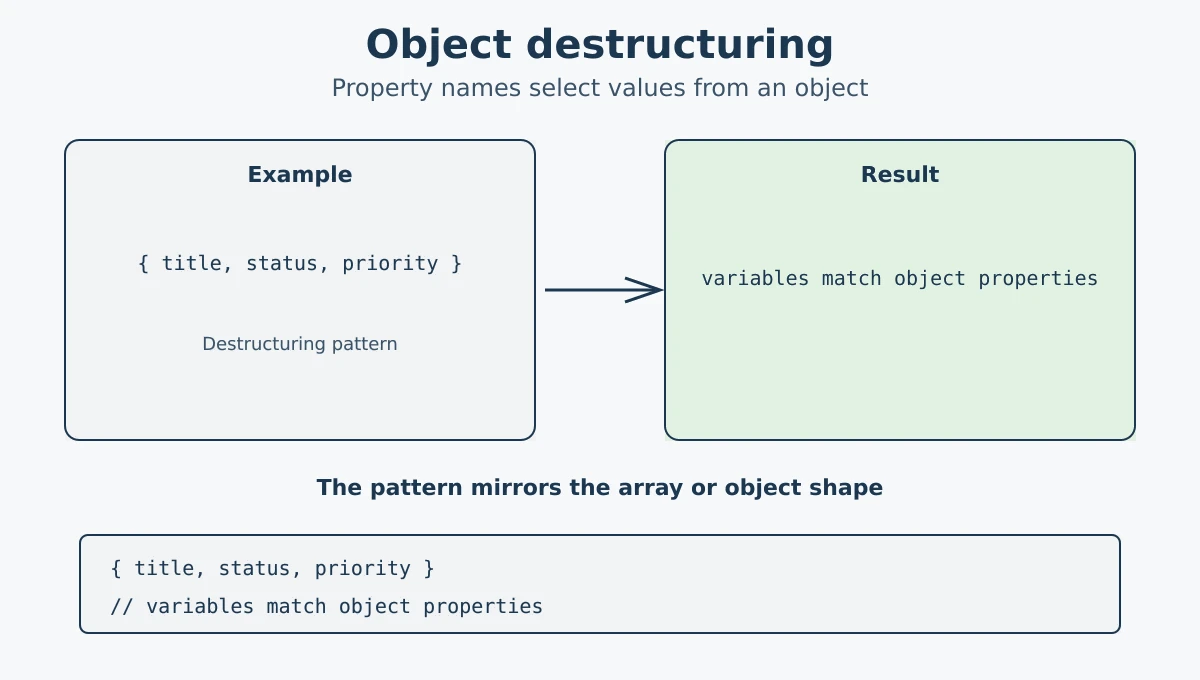
Just like arrays, you can destructure objects. Instead of square brackets [], you use curly braces {}. Array destructuring matches values by position, while object destructuring matches properties by name.
const task = {
  title: "Deploy v2.1",
  status: "complete",
  priority: "high"
};

const { title, status, priority } = task;

console.log(title);    // Deploy v2.1
console.log(status);   // complete
console.log(priority); // high
With object destructuring, the order does not matter. What matters is that the property name matches the property in the object.
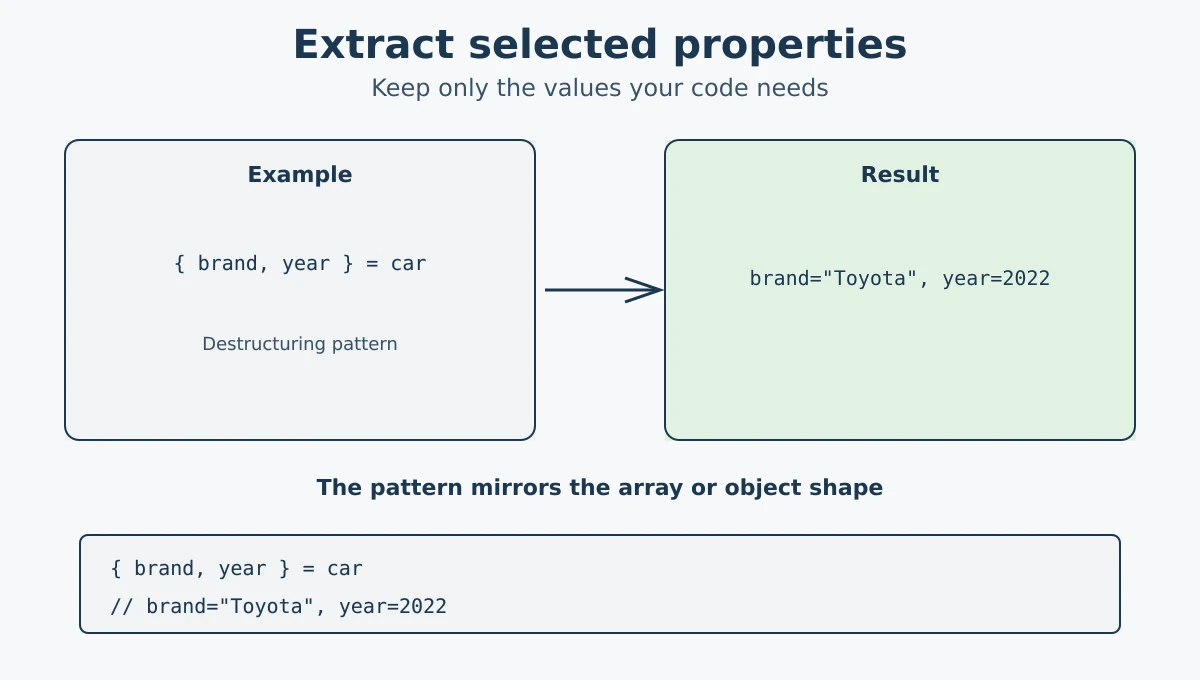
You do not have to extract all properties. You can pick only the ones you need. The rest of the object is simply ignored.
const car = {
  brand: "Toyota",
  model: "Corolla",
  year: 2022,
  color: "white"
};

// Extract only brand and year
const { brand, year } = car;

console.log(brand); // Toyota
console.log(year);  // 2022
Only brand and year are extracted. The model and color properties are left in the original object but not assigned to any variable.
Sometimes you want to store the value under a different variable name. You can do this using a colon : to rename the variable during destructuring.
const config = {
  host: "localhost",
  port: 3000
};

// Rename host to serverHost, port to serverPort
const { host: serverHost, port: serverPort } = config;

console.log(serverHost);  // localhost
console.log(serverPort);  // 3000
The syntax is propertyName: newVariableName. Here host and port are the property names, while serverHost and serverPort are the local variable names.
You can also combine renaming with default values:
const { host: serverHost = "127.0.0.1", port: serverPort = 8080 } = {};

console.log(serverHost);  // 127.0.0.1
console.log(serverPort);  // 8080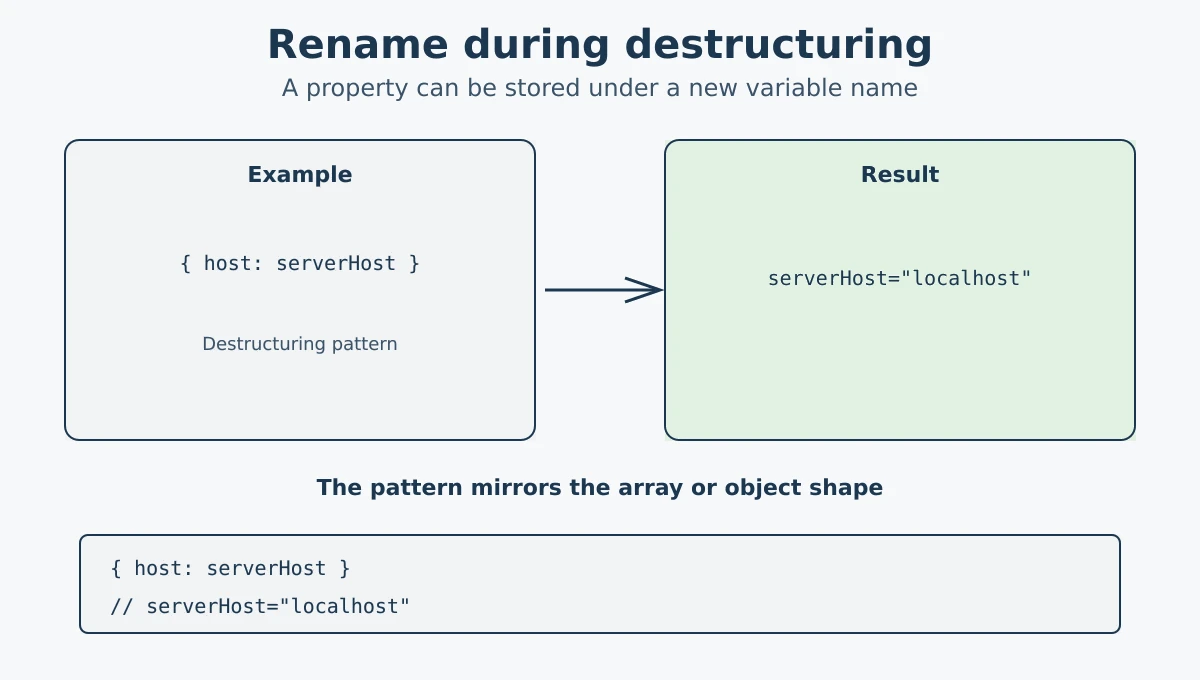
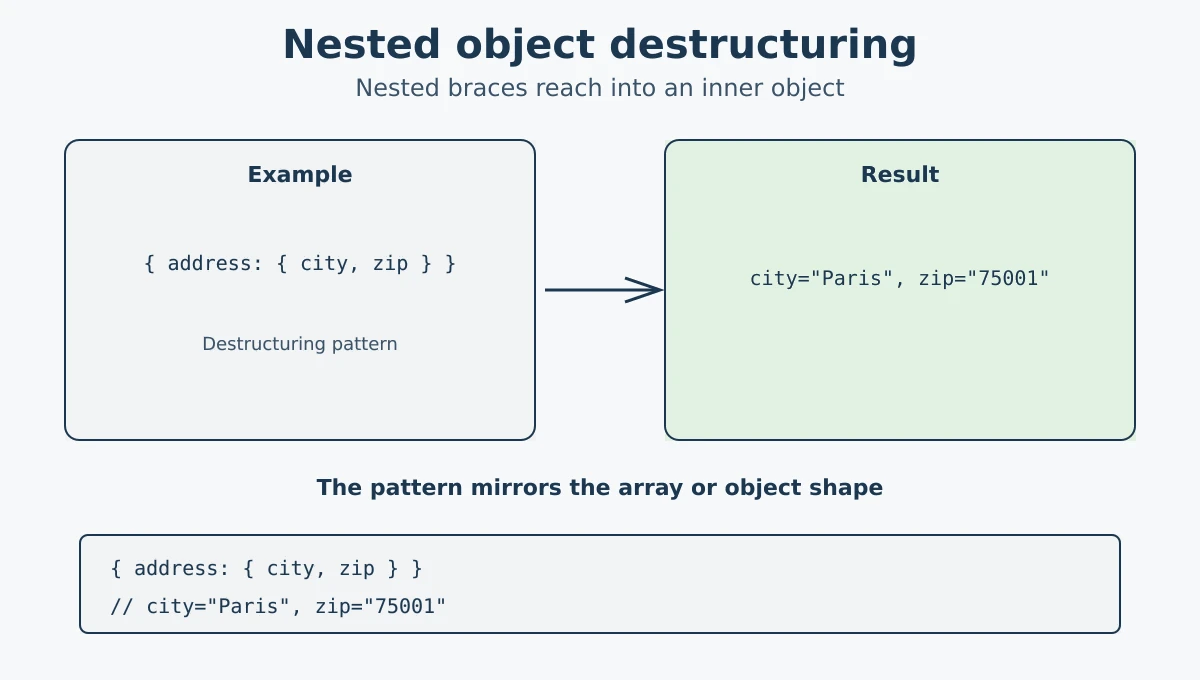
When an object has another object inside it, you can destructure the inner object too by nesting the curly braces in the pattern.
const employee = {
  name: "Sara",
  address: {
    city: "Paris",
    zip: "75001"
  }
};

const { name, address: { city, zip } } = employee;

console.log(name); // Sara
console.log(city); // Paris
console.log(zip);  // 75001
address is used as part of the destructuring pattern, but no separate address variable is created. Only city and zip are extracted from the nested object.
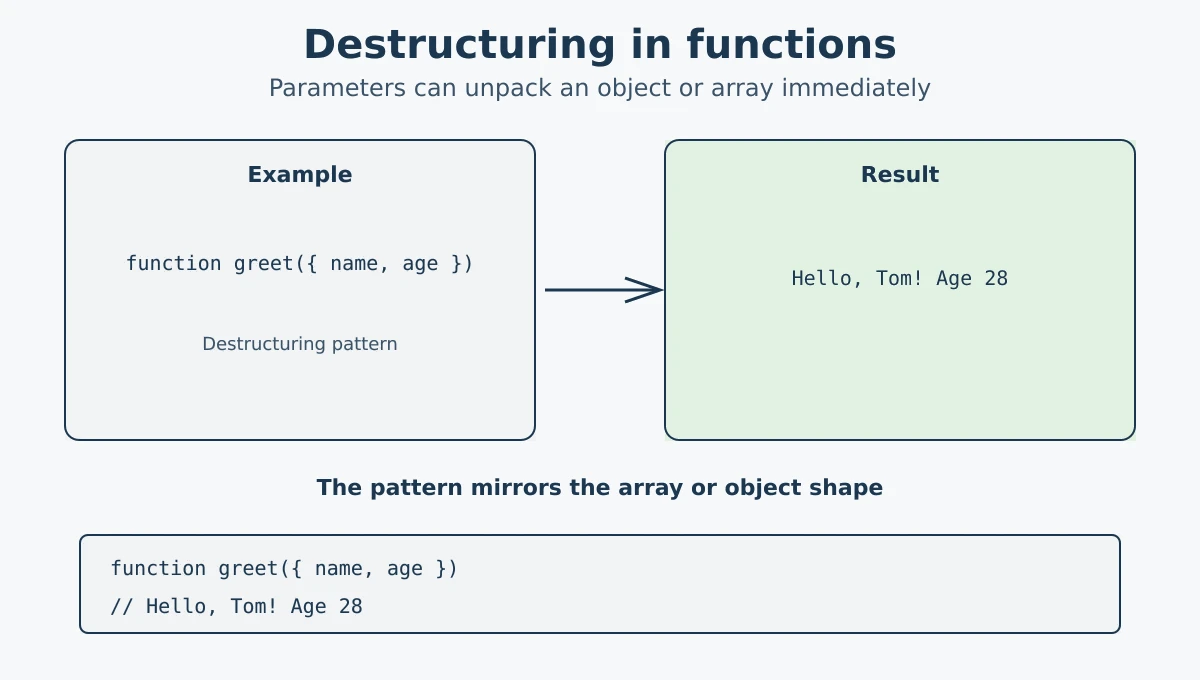
You can use destructuring directly in a function's parameter list. This is very common when a function receives an object as an argument. Instead of accessing properties one by one inside the function, you extract them right in the parameter.
function greet({ name, age }) {
  console.log(`Hello, ${name}! You are ${age} years old.`);
}

const user = { name: "Tom", age: 28 };
greet(user);
// Output: Hello, Tom! You are 28 years old.
You can also use it with arrays in function parameters:
function showCoords([x, y]) {
  console.log(`x: ${x}, y: ${y}`);
}

showCoords([5, 10]);
// Output: x: 5, y: 10
Destructuring in function parameters makes your code cleaner and removes the need for extra lines inside the function body.
If the argument might be missing, give the whole
parameter a default such as
function greet({ name } = {}). Without
that fallback, destructuring undefined
or null throws an error before the
function body runs.
- Destructuring lets you unpack values from arrays or objects into variables in a single step.
-
Use
[]for array destructuring and{}for object destructuring. - You can swap variables using array destructuring without a temporary variable.
- Functions can return an array and you can destructure it to get multiple values.
- Nested destructuring lets you reach inside nested arrays or objects.
-
Default values are used when a position or property is
undefined. -
You can rename a property during object destructuring using
propertyName: newName. - Destructuring works directly in function parameters, making code cleaner.
- Destructuring extracts values or references; it does not create a deep copy of nested objects or arrays.
Keep Destructuring Readable: Destructuring can improve readability when the pattern is simple and the extracted values are clear. Very deeply nested patterns or many property renames can become difficult to read. If a destructuring expression becomes hard to understand, consider using intermediate variables or simplifying the data structure.
What's next? Now that you can unpack values easily, let's learn how to expand and copy them with the spread operator in the next tutorial.
Videos for this topic will be added soon.