JavaScript The Spread Operator
The spread operator helps you copy, merge, and pass data with very little code. Once you learn it, array and object handling becomes much cleaner.
In array literals and function calls, spread syntax (...) expands an iterable into individual values. In object literals, object spread copies an object's own enumerable properties. It was introduced in ES6.
In an array or function call, the value after
... must be iterable. Object spread uses
similar syntax but copies an object's own enumerable
properties instead of expanding an iterable.
Spread syntax takes values from an iterable and places them individually where the syntax expects them. The same ... syntax is called rest when it collects remaining values.
const nums = [1, 2, 3];
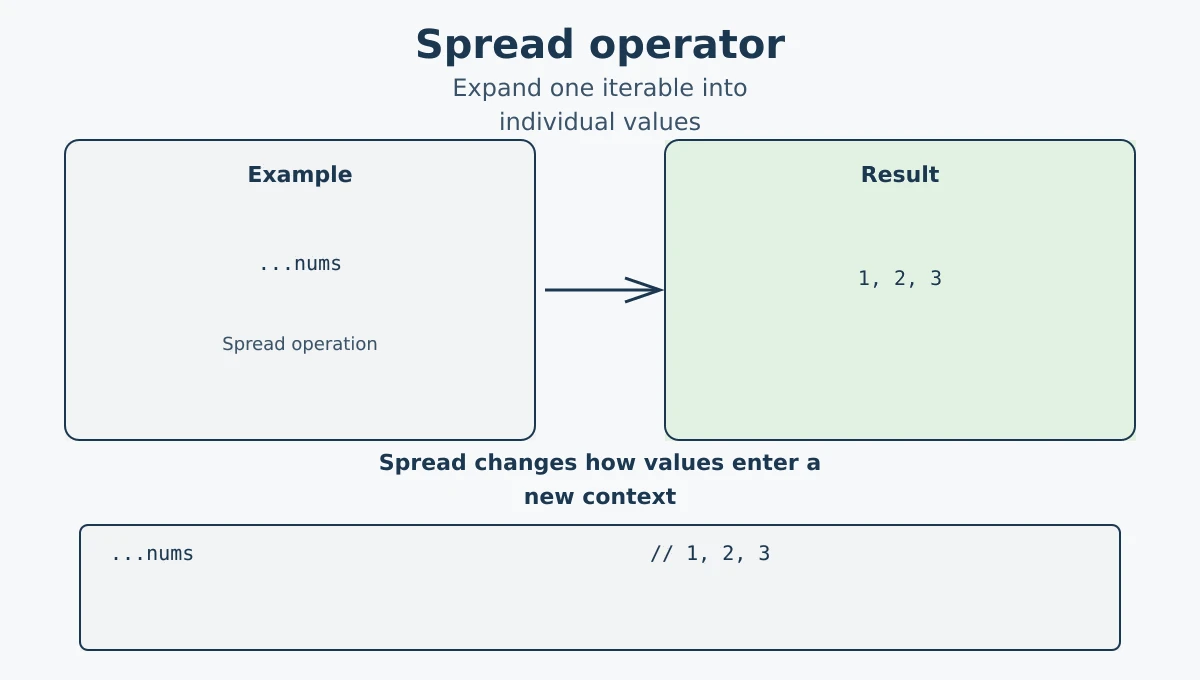
console.log(...nums); // Output: 1 2 3
The three dots ... before nums spread the array values out individually.
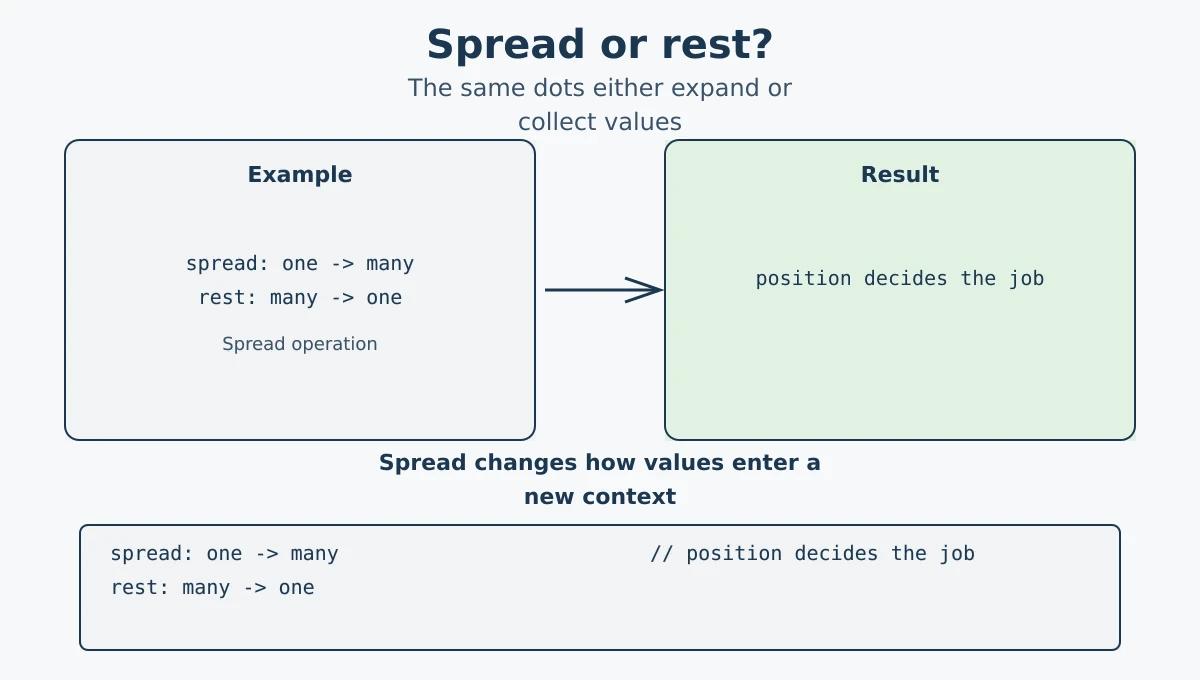
The three dots ... have two names. Their job depends on where they appear: spread expands values, while rest collects remaining values into one array or object.
| Syntax | Name | Direction | Example |
|---|---|---|---|
const copy = [...items] |
Spread | One iterable becomes many values. | [1, 2, 3] is expanded into a new array. |
function log(first, ...others) |
Rest | Many arguments become one array. | others collects every argument after first. |
const { name, ...details } = user |
Rest | Remaining object properties become a new object. | details contains properties not named explicitly. |
// Spread: expand an array into arguments
function add(a, b, c) {
  return a + b + c;
}
console.log(add(...[1, 2, 3])); // 6

// Rest: collect extra arguments into an array
function sum(first, ...remaining) {
  return first + remaining.reduce((total, value) => total + value, 0);
}
console.log(sum(1, 2, 3, 4)); // 10You can use the spread operator to create a copy of an array. Changes to the copy will not affect the original.
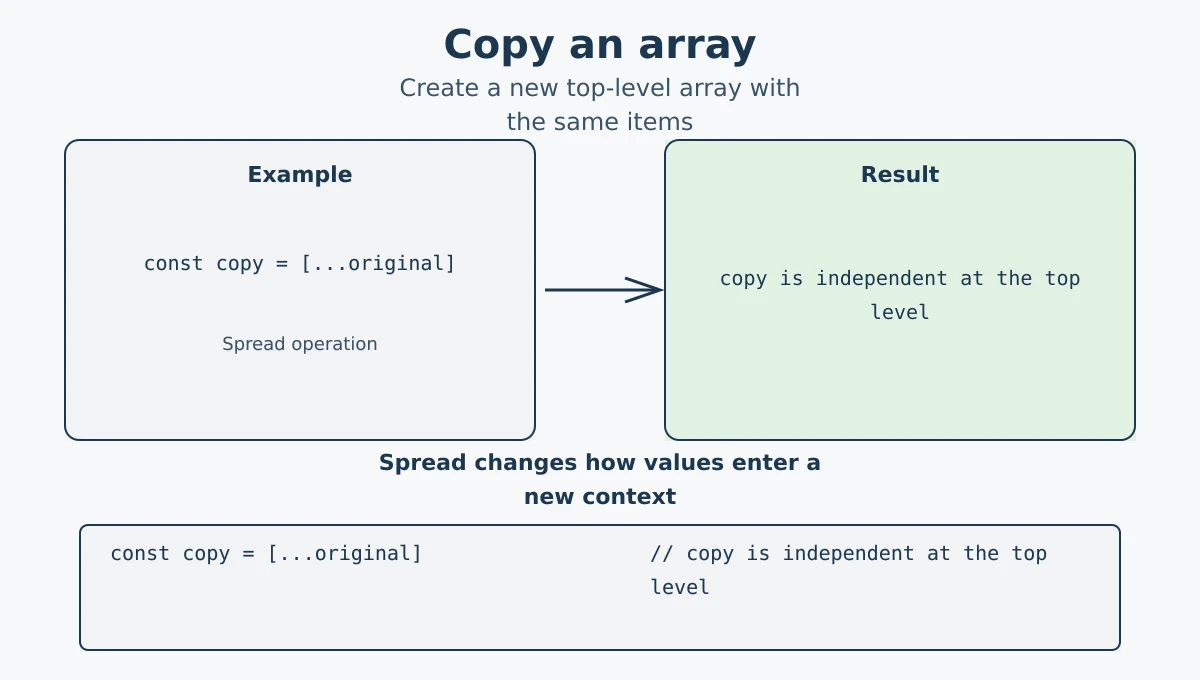
const original = [1, 2, 3];
const copy = [...original];

copy.push(4);

console.log(original); // [1, 2, 3]
console.log(copy);     // [1, 2, 3, 4]
Spread creates a new top-level array with the same values. Modifying copy does not change original; nested objects or arrays would still be shared references.
You can merge two arrays into one with spread syntax. Many developers prefer this because it reads clearly and scales well when combining multiple arrays.
const frontend = ["HTML", "CSS"];
const backend = ["Node", "SQL"];

const allSkills = [...frontend, ...backend];

console.log(allSkills);
// ["HTML", "CSS", "Node", "SQL"]
You can also add extra items while joining:
const combined = [...frontend, "React", ...backend];
console.log(combined);
// ["HTML", "CSS", "React", "Node", "SQL"]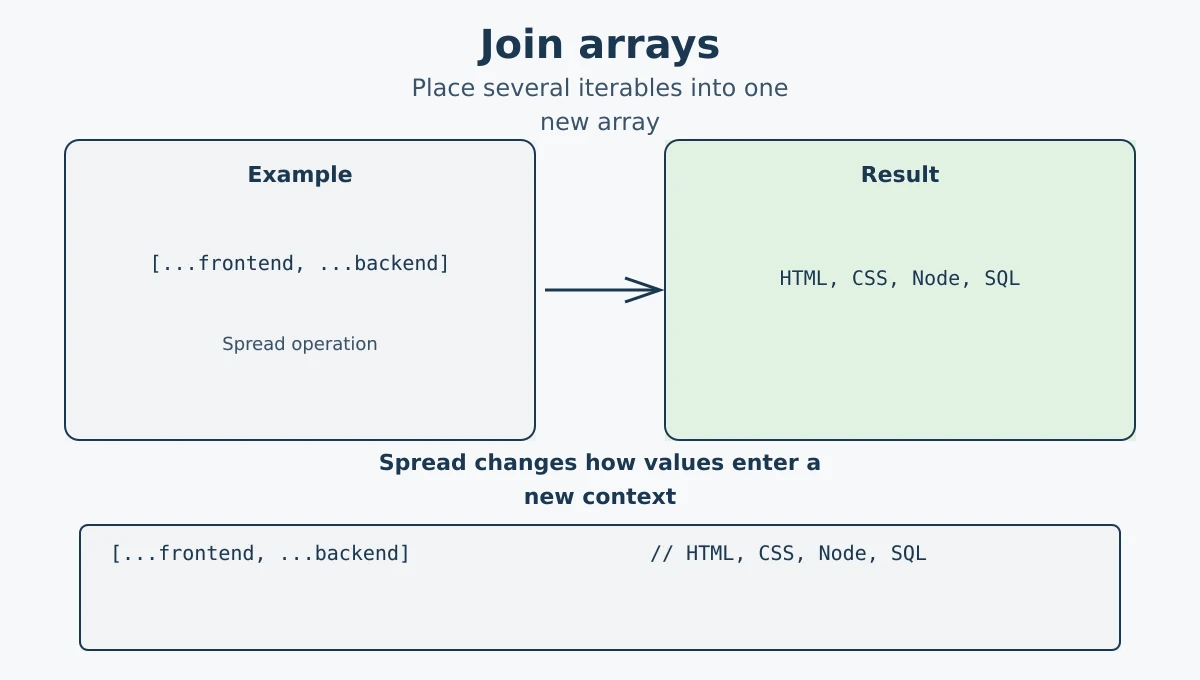
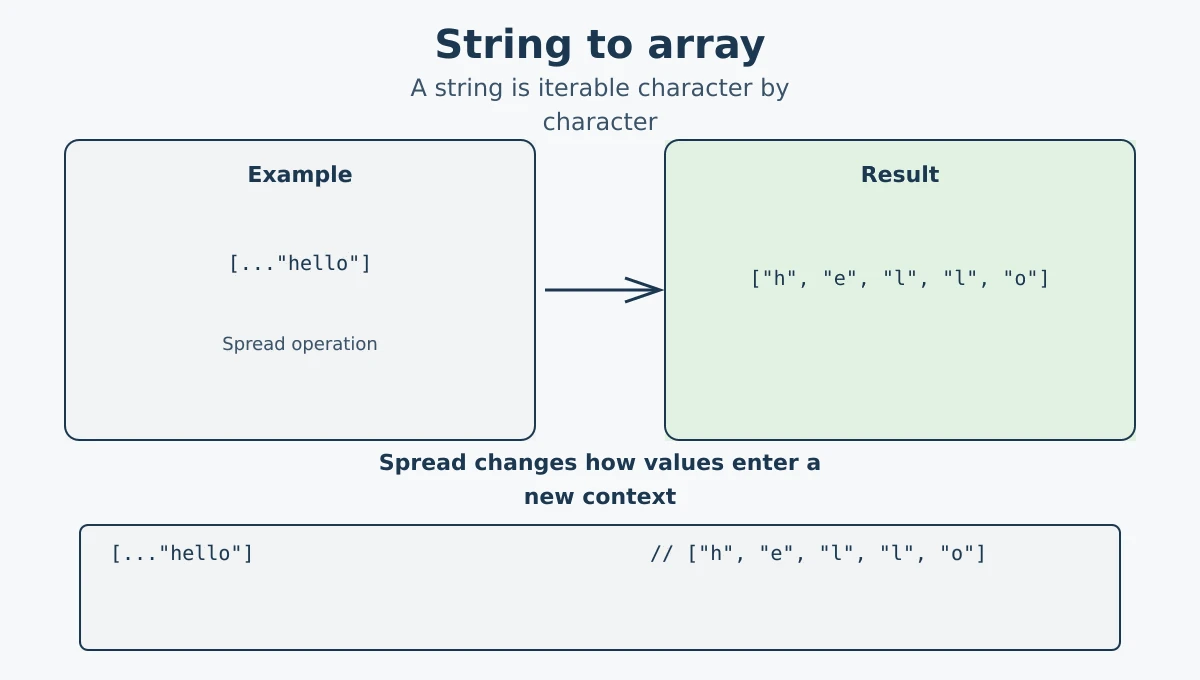
Strings are iterable in JavaScript, so you can use the spread operator to split a string into individual characters.
const name = 'hello';
const letters = [...name];

console.log(letters);
// ['h', 'e', 'l', 'l', 'o']
Strings are iterable, so spread syntax can expand their characters into an array. Each character becomes its own element in the resulting array.
When a function expects separate parameters, you can use the spread operator to pass an array as individual arguments.
function add(a, b, c) {
  return a + b + c;
}

const numbers = [1, 2, 3];
console.log(add(...numbers)); // Output: 6
Without spread, you would have to write add(numbers[0], numbers[1], numbers[2]). Spread makes it much simpler.
Another common example is using Math.max() with an array:
const scores = [10, 45, 23, 67, 5];
console.log(Math.max(...scores)); // Output: 67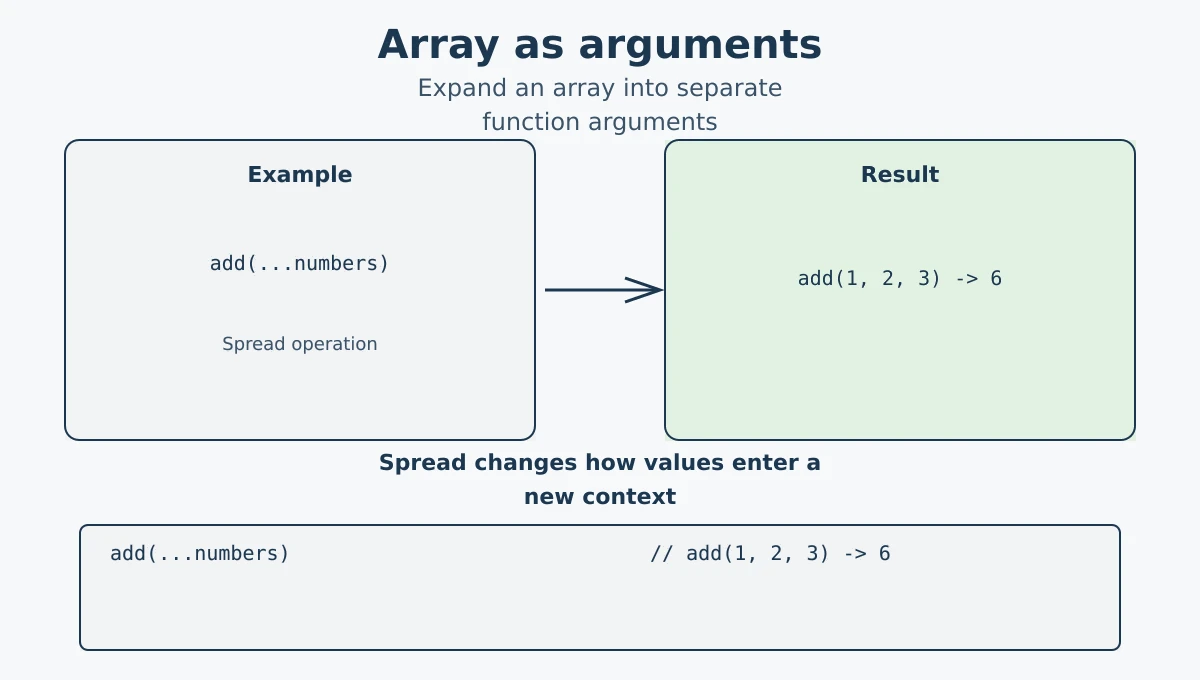
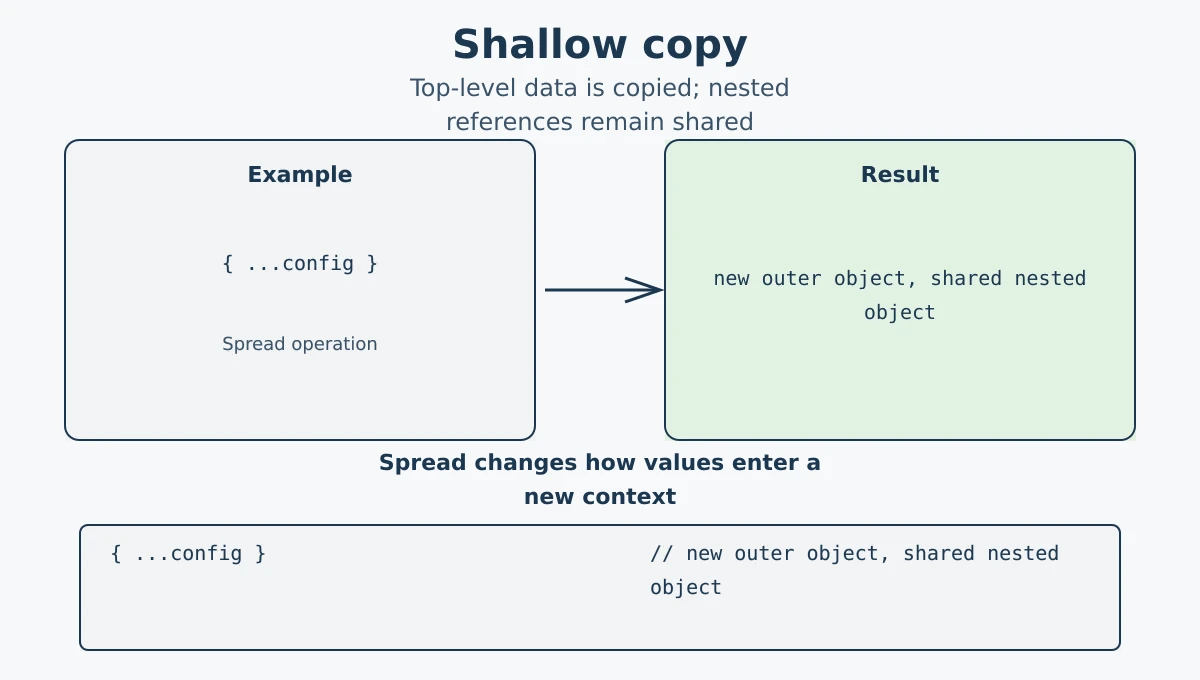
Spread creates a shallow copy. The new array or object is different from the original, but nested objects and arrays are still shared references.
// Shallow copy of an object
const defaults = { theme: "light", lang: "en" };
const userPrefs = { ...defaults };

userPrefs.theme = "dark";

console.log(defaults.theme);  // "light" (unchanged)
console.log(userPrefs.theme); // "dark"
However, if the object contains nested objects, those nested values are still shared:
const config = { theme: "light", notifications: { email: true } };
const configCopy = { ...config };

configCopy.notifications.email = false;

console.log(config.notifications.email); // false (also changed!)
// Nested objects are NOT deep copied
Check the identity: the top-level object is new, but the nested object is the same reference.
console.log(configCopy === config); // false: new top-level object
console.log(configCopy.notifications === config.notifications); // true: shared nested object

const deepCopy = structuredClone(config);
deepCopy.notifications.email = true;
console.log(config.notifications.email); // false: nested data is independent
Use structuredClone() when you need a deep copy of supported data and want nested objects to be independent.
JSON.parse(JSON.stringify(obj)) is not a general-purpose deep-copy solution. It can lose values such as undefined and functions, transform certain types, and cannot handle circular references.
-
Spread syntax (
...) expands iterable values in array literals and function calls. - Object spread copies own enumerable properties into a new object.
- Spread can copy arrays and objects at the top level and combine arrays.
- Spread can pass array values as function arguments.
- Strings are iterable, so spread can expand a string into an array of characters.
- Spread creates a shallow copy, not a deep copy; nested objects are still shared by reference.
- Rest collects remaining values; spread expands values.
-
Use
structuredClone()when supported and a true deep copy is required; spread alone does not make nested data independent.
What's next? Now that you know how the spread operator expands values, let's learn how to collect extra values with the rest parameter in the next tutorial.
Videos for this topic will be added soon.