JavaScript Strings
Strings carry text through almost every application: form input, API data, search terms, validation messages, and UI labels. A good grasp of strings makes everyday code easier to read and more reliable.
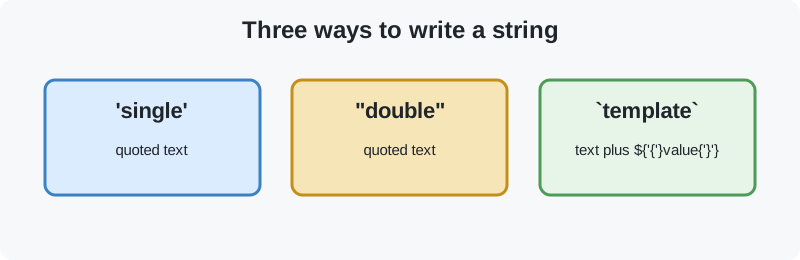
A string is a primitive value that represents text in JavaScript. It can contain letters, numbers, symbols, spaces, or any combination of them. Names, messages, sentences, and user input are all common string values. Create a string with matching single quotes, double quotes, or backticks. Backticks create a template literal, which can include variables and expressions such as \${name}.
//Example
let singleQuoteString = 'Hello, World!';
let doubleQuoteString = "JavaScript is fun!";
let name = 'Alice';
let templateLiteralString = `Hello, ${name}! Welcome to JavaScript.`;
let numberString = '12345';
let multilineString = `This is a
multiline string in JavaScript.`;
When you need text from another value, use String(value) or that value's toString() method. String(123) returns '123', and (123).toString() returns the same result. String() is usually safer when the value might be null or undefined.
console.log(String(123));      // Output: '123'
console.log((123).toString()); // Output: '123'Bracket access is convenient when you have a non-negative index. at() does the same job and also accepts negative indexes, which count from the end. Both return undefined when the requested position is outside the string.
const word = "JavaScript";

console.log(word[0]);      // "J"
console.log(word.at(0));   // "J"
console.log(word.at(-1));  // "t"
console.log(word.at(-2));  // "p"
console.log(word[99]);     // undefined
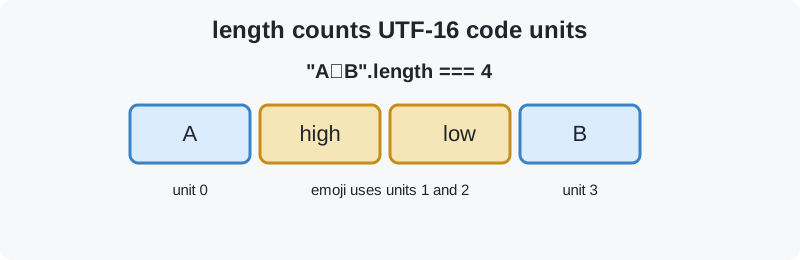
Unicode note: JavaScript indexes and length count UTF-16 code units, which are not always the same as user-perceived characters. Some emoji use two code units. Use for...of or Array.from() when you need to iterate over Unicode code points. A grapheme, such as a combined emoji or a letter with a separate accent, can still contain more than one code point.
const emoji = "😀";

console.log(emoji.length); // 2 UTF-16 code units
console.log(emoji[0]);     // a partial surrogate, not the full emoji
console.log([...emoji].length); // 1 Unicode code point
console.log([...emoji][0]);     // "😀"

for (const character of emoji) {
  console.log(character); // full code point
}
Primitive versus String object: string literals and values returned by String() are primitive strings. new String() creates an object wrapper. It is rarely useful and can cause surprising type comparisons, so prefer primitive strings in application code.
const primitive = "hello";
const converted = String("hello");
const wrapped = new String("hello");

console.log(typeof primitive);  // "string"
console.log(typeof converted);  // "string"
console.log(typeof wrapped);    // "object"
console.log(primitive === wrapped); // false
console.log(primitive == wrapped);  // true: coercion unwraps the object

// Prefer primitive strings in normal code.at(-1) for readable end access, and iteration when Unicode characters must stay intact.
Single quotes and double quotes both create strings. The opening and closing delimiters must match, but either style can appear inside the other without escaping. Backticks create template literals, which are useful for multiple lines and for inserting values with \${...}.
//Correct
let str1 = 'Hello, World!';
let str2 = "JavaScript is fun!";

//Incorrect
let str3 = "Hello, World!';
let str4 = "JavaScript is fun!';
If your text already contains a quote, you can either switch quote type or escape it with a backslash. For example:
let str3 = "It's a sunny day.";
let str4 = 'He said, "Hello!"';
let str5 = 'It\'s a sunny day.';
let str6 = "He said, \"Hello!\"";Some characters need a special representation inside a string, such as a new line, a quote, or a backslash. An escape sequence starts with a backslash (\) and gives the following character a special meaning.
- \': Single quote
- \": Double quote
- \\: Backslash
- \n: New line
- \t:Tab
- \r: Carriage return
- \b: Backspace
- \f: Form feed
let escapeExample = 'I\'m learning JavaScript.\nIt\'s fun!';
let text = "He said, \"JavaScript is awesome!\" \nAnd I couldn't agree more.";
console.log(text);

// Output:
// I'm learning JavaScript.
// It's fun!
// He said, "JavaScript is awesome!"
// And I couldn't agree more.
A string literal is text written directly in your code with quotes or backticks. It creates a primitive string value, not a String object. Template literals are also string literals, and they can span lines or evaluate expressions.
let str = 'Hello World';
let funStr = "JavaScript is fun";
In day-to-day code, prefer string literals or String(value) over new String(). Primitive strings are simpler and work predictably with strict equality.
Use the .length property to count a string's UTF-16 code units. The count includes spaces and other whitespace. Most common characters count as one unit, but some Unicode characters, including certain emoji, use two code units. Because length is a property, do not add parentheses.
let text = 'Hello World';
console.log(text.length);  // Output: 11

// text.length() would throw a TypeError because length is not a method.
Note: length is a property, not a function.
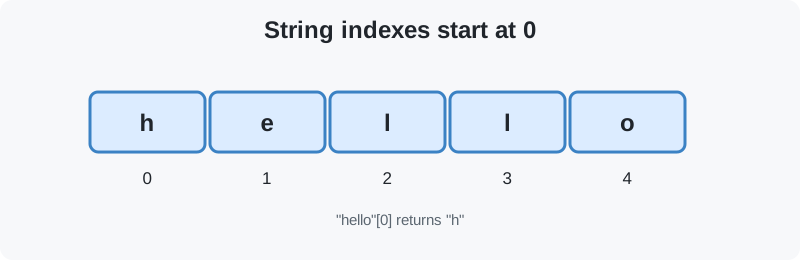
JavaScript lets you read a string by index. Indexing starts at 0, so the first code unit is at position 0 and the last is at length - 1. Reading an index outside the string with bracket notation returns undefined. For code points such as emoji, use at() or iterate with for...of.
const str = "hello";
console.log(str[0]); // Output: 'h'
console.log(str[4]); // Output: 'o'
You can also loop through a string character by character with for...of. This is useful when you need to inspect or process every character in order.
const str = "hello";
for (const char of str) {
    console.log(char);
}
// Output:
// h
// e
// l
// l
// o
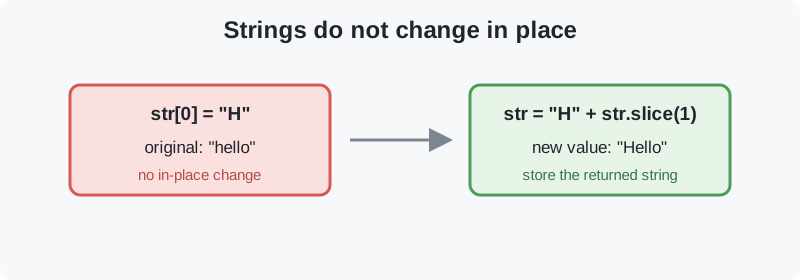
Strings are immutable, which means their characters cannot be changed in place. An assignment such as str[0] = 'H' does not change the string. To change a string, create a new value and assign it to a variable. String methods also return new values, so the original stays unchanged unless you store the result.
let str = "hello";
// Attempting to change a character (this won't work)
str[0] = "H";
console.log(str); // Output: 'hello'

// To change it, create a new string
str = "H" + str.slice(1);
console.log(str); // Output: 'Hello'JavaScript provides string methods for searching, extracting, replacing, trimming, splitting, padding, and changing case. These methods do not change the original string. They return a result that you can store or use immediately. Open a method below for its syntax, behavior, and an example.
- charAt(): character access by index
- concat(): combine strings
- endsWith(): check suffix
- includes(): search for text
- indexOf(): search first occurrence
- lastIndexOf(): search last occurrence
- match(): regex matching
- padEnd(): padding on the right
- padStart(): padding on the left
- repeat(): repeat text
- replace(): replace text
- search(): regex search
- slice(): extract text
- split(): split into an array
- startsWith(): check prefix
- substring(): extract text
- toLowerCase(): change to lower case
- toUpperCase(): change to upper case
- trim(): trim whitespace
- trimEnd(): trim trailing whitespace
- trimStart(): trim leading whitespace
- valueOf(): get primitive value
Returns the UTF-16 code unit at the specified index as a one-character string. Indexing starts at 0, and an index outside the string returns an empty string. Unlike bracket access, charAt() does not return undefined for an invalid index. It does not change the original string. For a full Unicode code point, prefer at() or for...of.
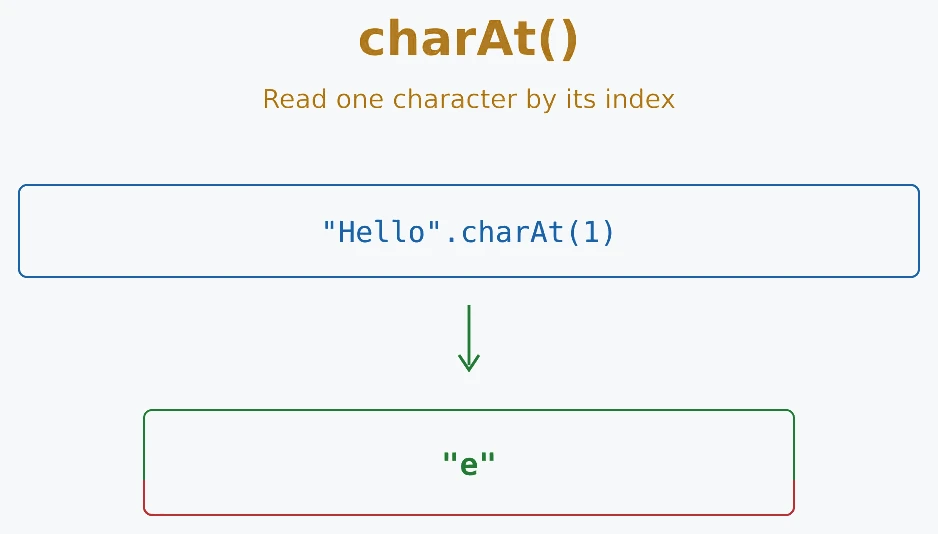
//Syntax: string.charAt(index)

//Example
let text = 'Hello';
console.log(text.charAt(1));  // Output: 'e'
Joins the original string with one or more values and returns a new string. Values are added in the order you provide them, and the original is unchanged. Non-string values are converted to strings, so 'Age: '.concat(20) returns 'Age: 20'. The + operator and template literals are often easier to read when combining a small number of values.
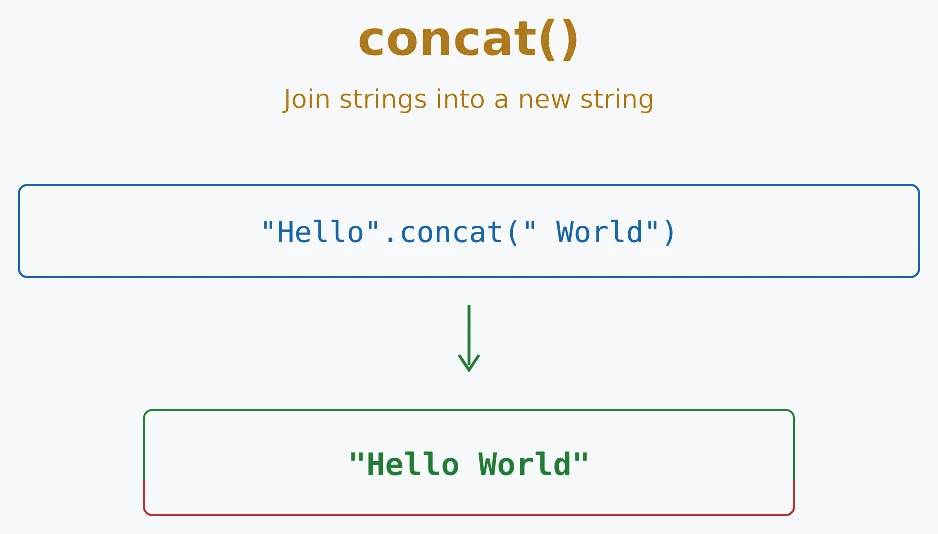
//Syntax: string.concat(string2, string3, ...)

//Example
let str1 = 'Hello';
let str2 = 'World';
console.log(str1.concat(' ', str2));  // Output: 'Hello World'
Checks whether a string ends with the specified text. It returns true or false, and the comparison is case-sensitive, so 'Hello'.endsWith('hello') is false. An optional position treats the string as if it ended there. The original string is not changed.
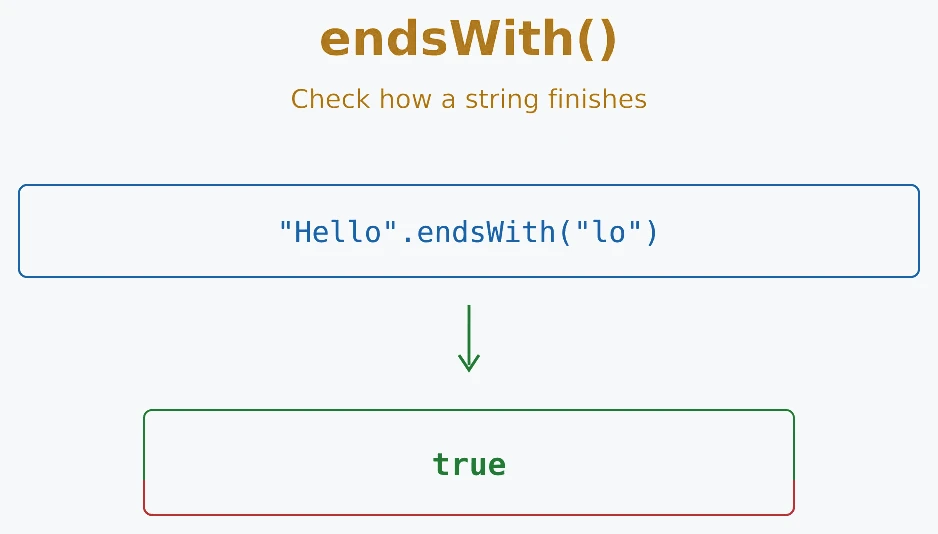
//Syntax: string.endsWith(searchString)

//Example
let text = 'Hello World';
console.log(text.endsWith('World'));  // Output: true
Checks whether a string contains the specified text. It returns true when the text is found and false otherwise. The search is case-sensitive and can begin at an optional index. For example, 'Hello World'.includes('world') is false. This method does not change the original string.
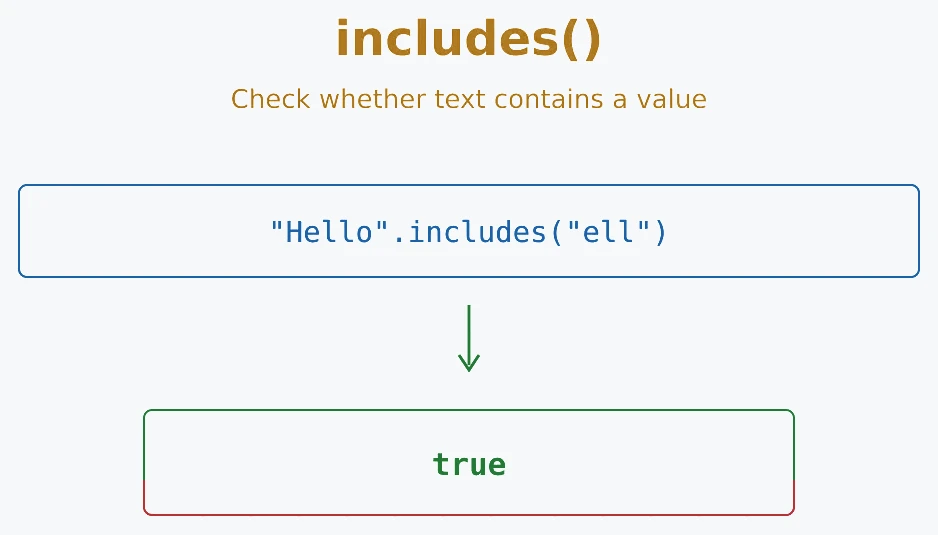
//Syntax: string.includes(searchString)

//Example
let text = 'Hello World';
console.log(text.includes('World'));  // Output: true
Returns the index of the first occurrence of the specified text. The result is the position where the match begins, or -1 when there is no match. An optional starting index lets you skip earlier matches. The search is case-sensitive and does not change the original string.
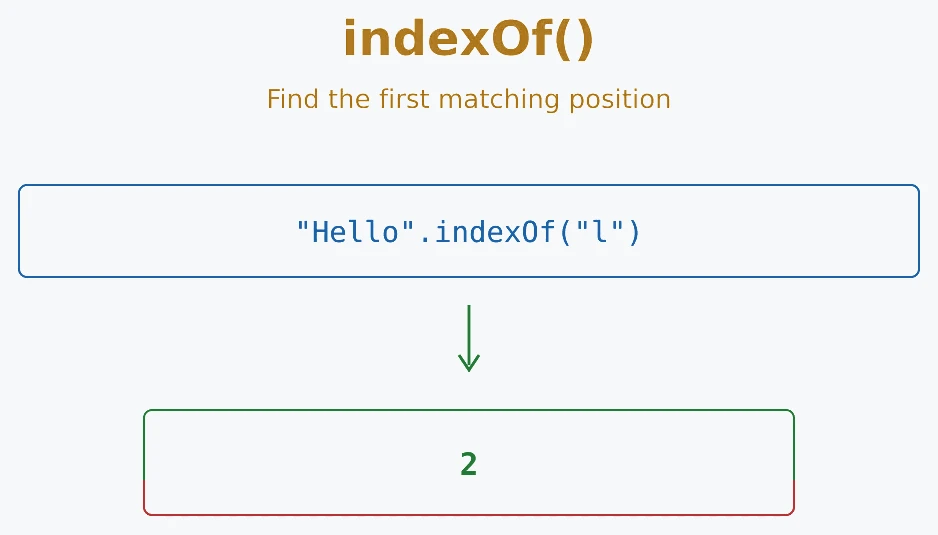
//Syntax: string.indexOf(searchValue)

//Example
let text = 'Hello World';
console.log(text.indexOf('World'));  // Output: 6
Returns the index of the last occurrence of the specified text. The search works backward, but the result is the normal zero-based index from the start of the string. It returns -1 when there is no match. An optional second argument sets the highest index where the search may begin.
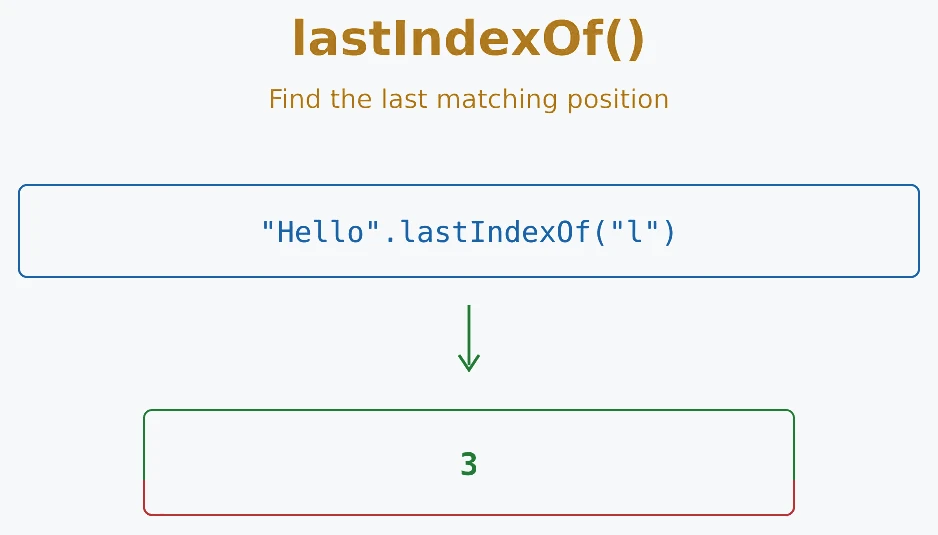
//Syntax: string.lastIndexOf(searchValue)

//Example
let text = 'Hello World World';
console.log(text.lastIndexOf('World'));  // Output: 12
Searches a string with a regular expression. Without the g flag, it returns the first match along with details such as captured groups. With the g flag, it returns an array containing all matched text. If there is no match, it returns null. Use match() when you need pattern matching rather than an exact text search.
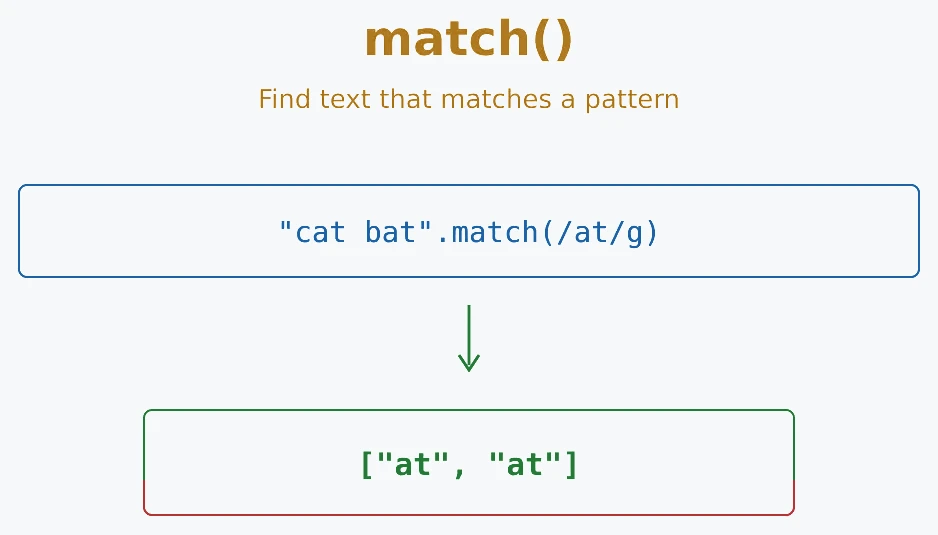
//Syntax: string.match(regex)

//Example
let text = 'The rain in Spain stays mainly in the plain';
console.log(text.match(/ain/g)); // Output: ['ain', 'ain', 'ain']Adds characters to the end of a string until it reaches the target length. It returns a new string and does not change the original. If the string is already long enough, it is returned unchanged. The padding text is repeated as needed and is cut short if necessary; if you omit it, spaces are used. This is useful for aligning output or creating fixed-width text.
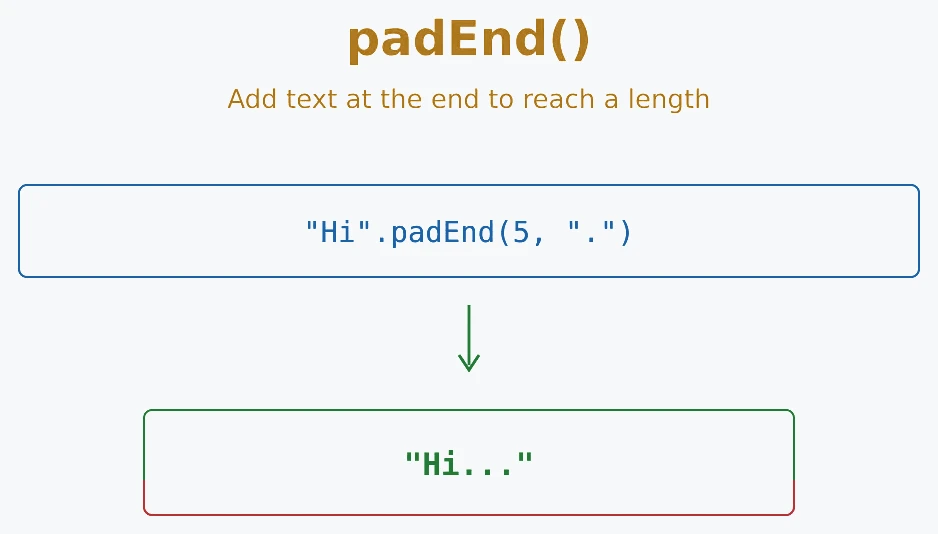
//Syntax: string.padEnd(targetLength, padString)

//Example
let text = 'Hello';
console.log(text.padEnd(8, '!'));  // Output: 'Hello!!!'
Adds characters to the beginning of a string until it reaches the target length. It returns a new string and does not change the original. If the string is already long enough, it is returned unchanged. The padding text is repeated as needed and is cut short if necessary; if you omit it, spaces are used. This is commonly used for leading zeros, such as formatting '5'.padStart(3, '0') as '005'.
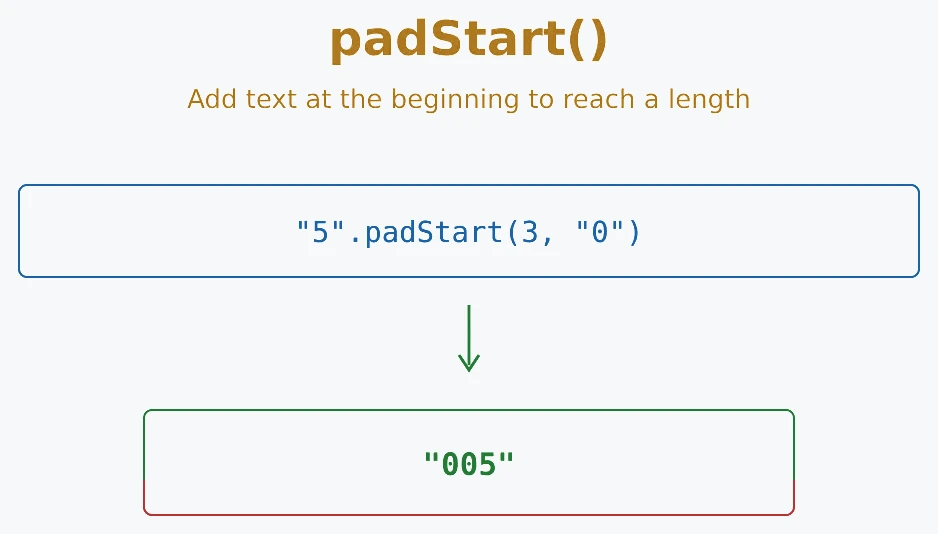
//Syntax: string.padStart(targetLength, padString)

//Example
let text = '5';
console.log(text.padStart(3, '0'));  // Output: '005'
Repeats a string the specified number of times and returns a new string. The count must be a non-negative finite number. A fractional count is truncated, a negative count throws a RangeError, and a count of 0 returns an empty string. The original string is unchanged.
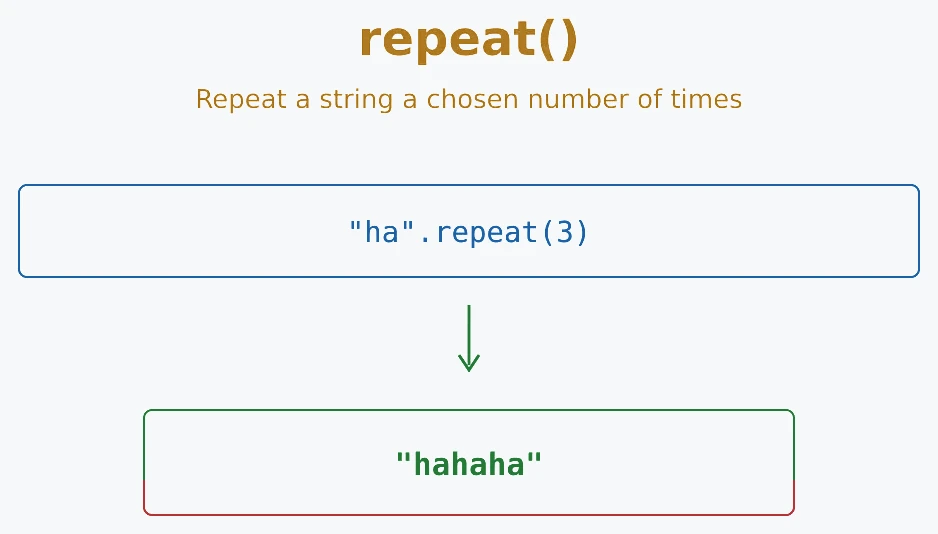
//Syntax: string.repeat(count)

//Example
let text = 'Hi ';
console.log(text.repeat(3));  // Output: 'Hi Hi Hi '
Replaces part of a string and returns a new string. With a plain search string, replace() changes only the first matching occurrence. To replace every occurrence, use replaceAll() or a regular expression with the g flag. The search value and replacement can be strings or regular expressions, and the original string remains unchanged.
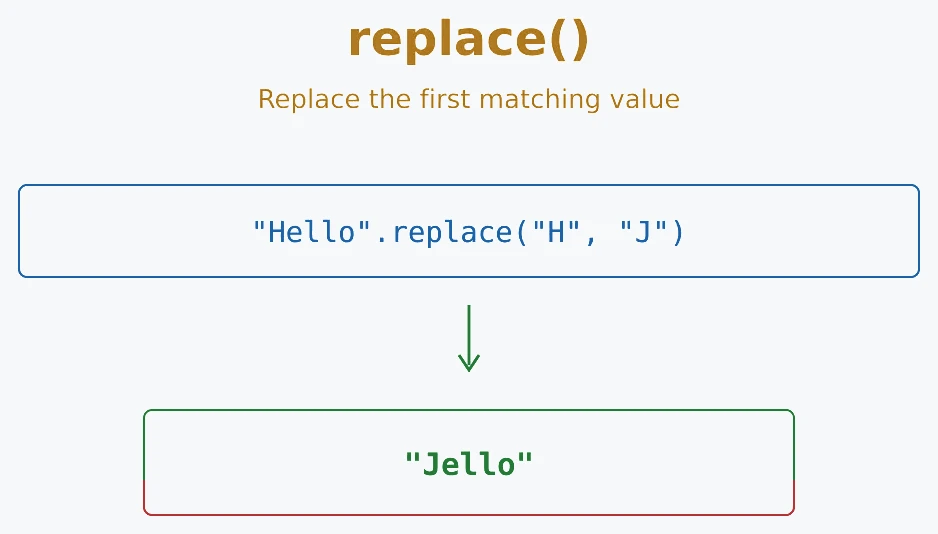
//Syntax: string.replace(searchValue, newValue)

//Example
let text = 'Hello World';
console.log(text.replace('World', 'JavaScript'));  // Output: 'Hello JavaScript'
Searches a string with a regular expression and returns the zero-based index of the first match. If there is no match, it returns -1. Unlike match(), it returns only the position, not the matched text. It does not modify the original string.
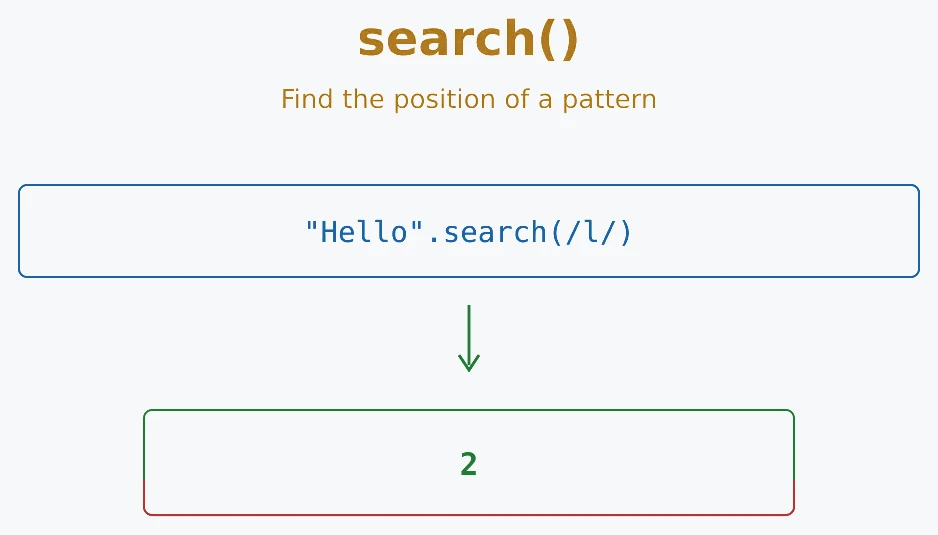
//Syntax: string.search(regex)

//Example
let text = 'Hello World';
console.log(text.search(/World/));  // Output: 6
Extracts part of a string and returns a new string. The start index is included and the end index is excluded, so slice(0, 5) reads indexes 0 through 4. Omitting the end reads to the end. Negative indexes count backward from the end, and the original string is unchanged.
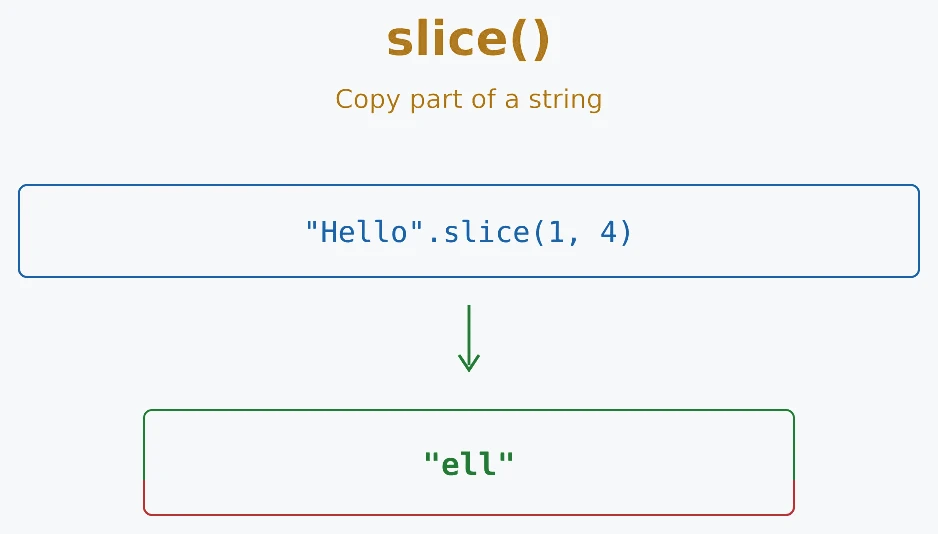
//Syntax: string.slice(start, end)

//Example:
let text = 'Hello World';
console.log(text.slice(0, 5));  // Output: 'Hello'
Splits a string into an array using a separator such as a comma or space. The separator is removed from the results, while the original stays unchanged. If you omit the separator, the result contains the whole string. An empty separator splits into UTF-16 code units, so use Array.from() when you need to preserve Unicode code points. An optional limit sets the maximum number of items.
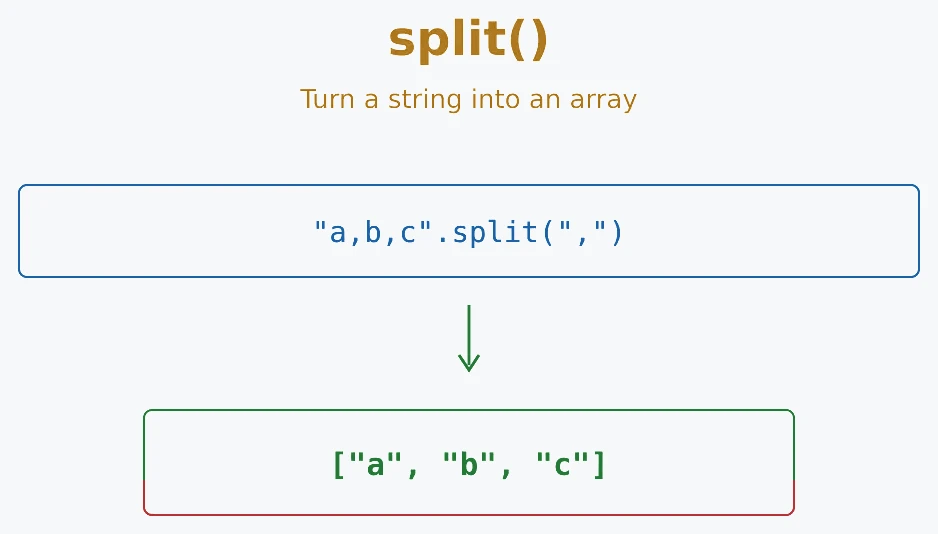
//Syntax: string.split(separator)

//Example:
let text = 'a,b,c';
console.log(text.split(','));  // Output: ['a', 'b', 'c']
Checks whether a string begins with the specified text. It returns true when the text is at the beginning and false otherwise. The check is case-sensitive, and an optional position lets you check from a different index. The original string is not changed.
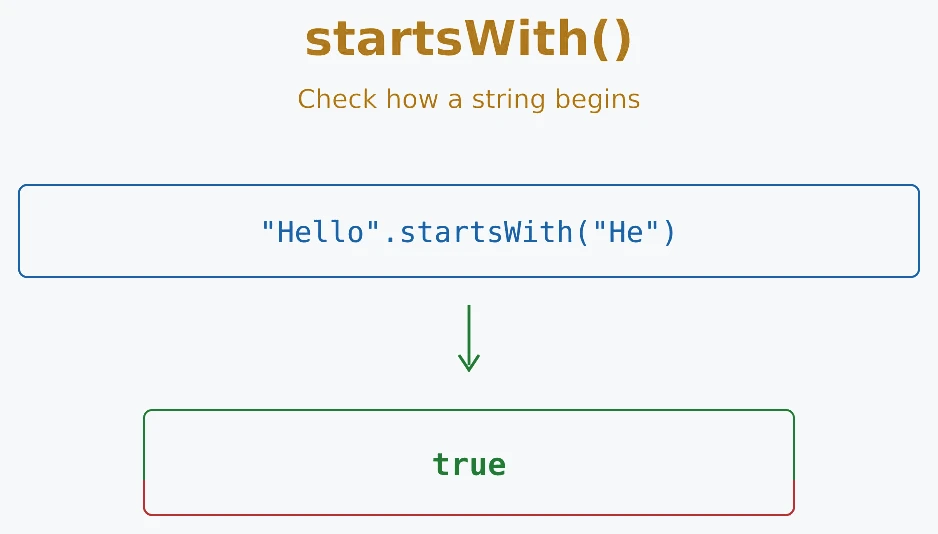
//Syntax: string.startsWith(searchString)

//Example:
let text = 'Hello World';
console.log(text.startsWith('Hello'));  // Output: true
Extracts characters between a start index and an end index and returns a new string. The start is included and the end is excluded. Unlike slice(), negative values become 0, and if start is greater than end, the two values are swapped. For new code, slice() is often easier to reason about because it supports negative indexes without swapping the arguments. The original remains unchanged.
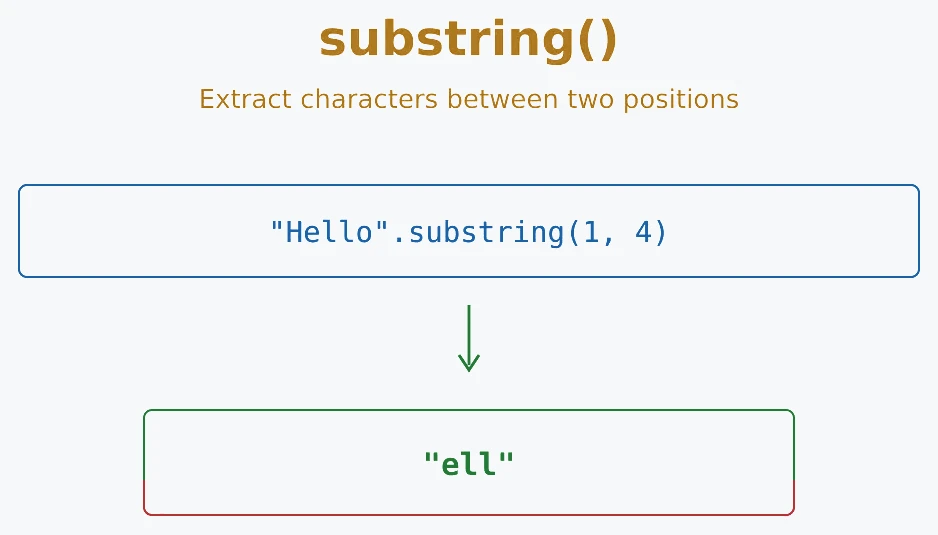
//Syntax: string.substring(start, end)

//Example:
let text = 'Hello World';
console.log(text.substring(0, 5));  // Output: 'Hello'
Converts uppercase letters to lowercase and returns a new string. The original is unchanged. This is useful for normalizing input or making a simple case-insensitive comparison. Convert both values to the same case before comparing them.
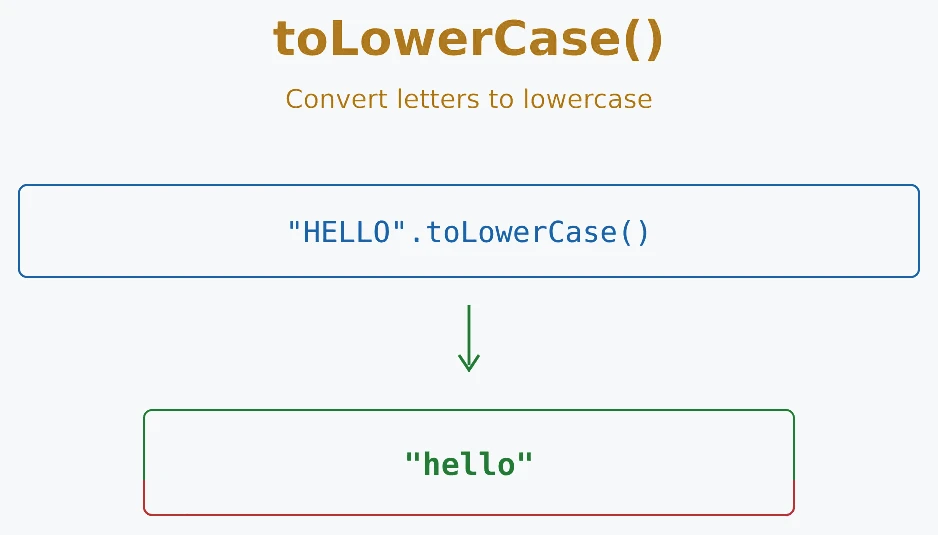
//Syntax: string.toLowerCase()

//Example:
let text = 'Hello World';
console.log(text.toLowerCase());  // Output: 'hello world'
Converts lowercase letters to uppercase and returns a new string. The original is unchanged. Use it for display formatting or for a simple case-insensitive comparison after converting both values to the same case.
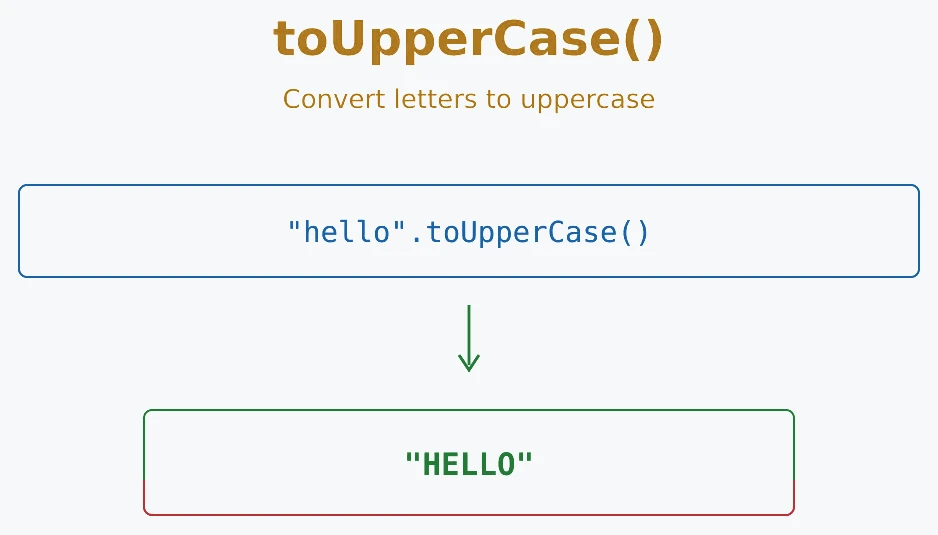
//Syntax: string.toUpperCase()

//Example:
let text = 'hello world';
console.log(text.toUpperCase());  // Output: 'HELLO WORLD'
Removes whitespace from both the beginning and end of a string and returns a new string. It removes spaces, tabs, and other whitespace characters around the text, but keeps spaces between words. The original string is unchanged, so assign the result back if you want to keep the cleaned value.
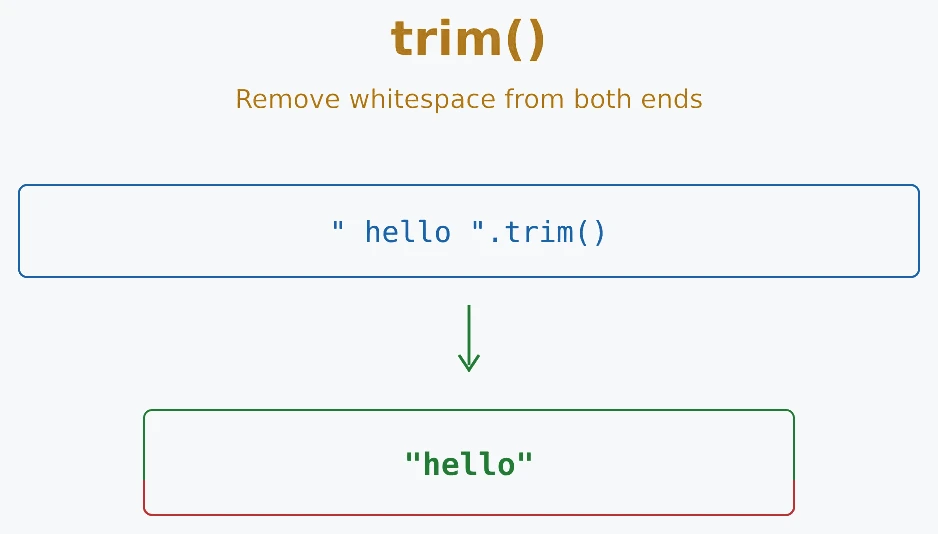
//Syntax: string.trim()

//Example:
let text = '   Hello World   ';
console.log(text.trim());  // Output: 'Hello World'
Removes whitespace only from the end of a string and returns a new string. Leading whitespace and spaces between words stay in place. trimEnd() is also available as the older name trimRight(); the two names behave the same.
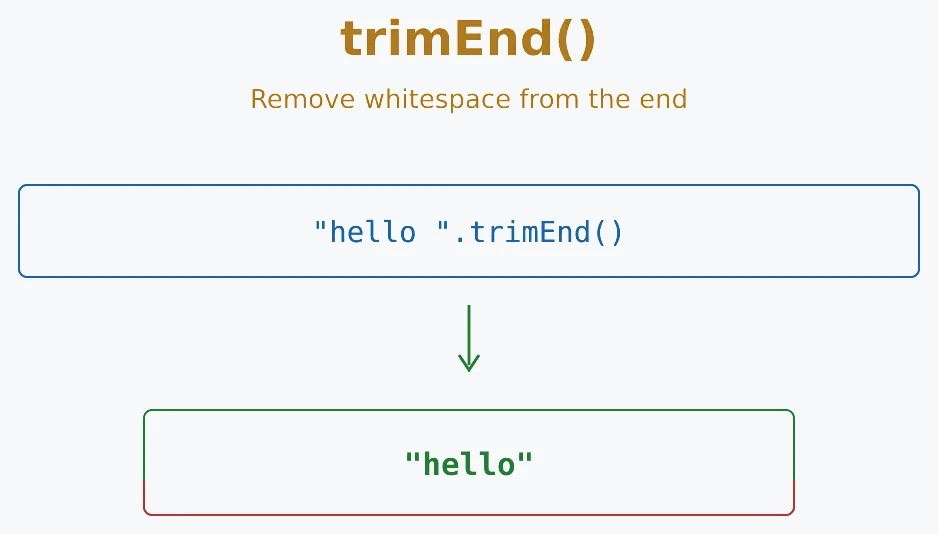
//Syntax: string.trimEnd()

//Example:
let text = 'Hello World   ';
console.log(text.trimEnd());  // Output: 'Hello World'
Removes whitespace only from the beginning of a string and returns a new string. Trailing whitespace and spaces between words stay in place. trimStart() is also available as the older name trimLeft(); the two names behave the same.
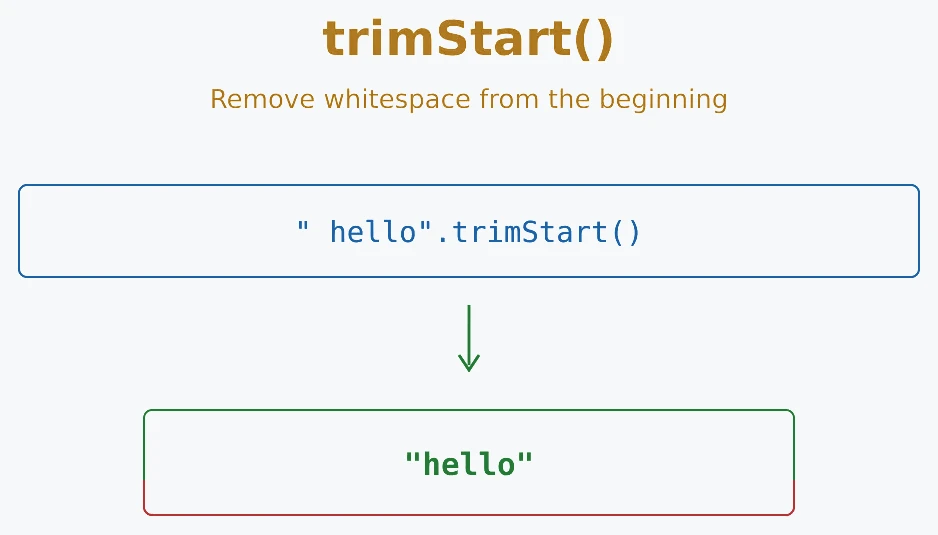
//Syntax: string.trimStart()

//Example:
let text = '   Hello World';
console.log(text.trimStart());  // Output: 'Hello World'
Returns the primitive string value represented by a string. For a String object such as new String('Hello'), valueOf() returns the primitive 'Hello'. Calling it on a primitive string returns that same primitive. It is rarely needed because normal string literals are already primitive values.
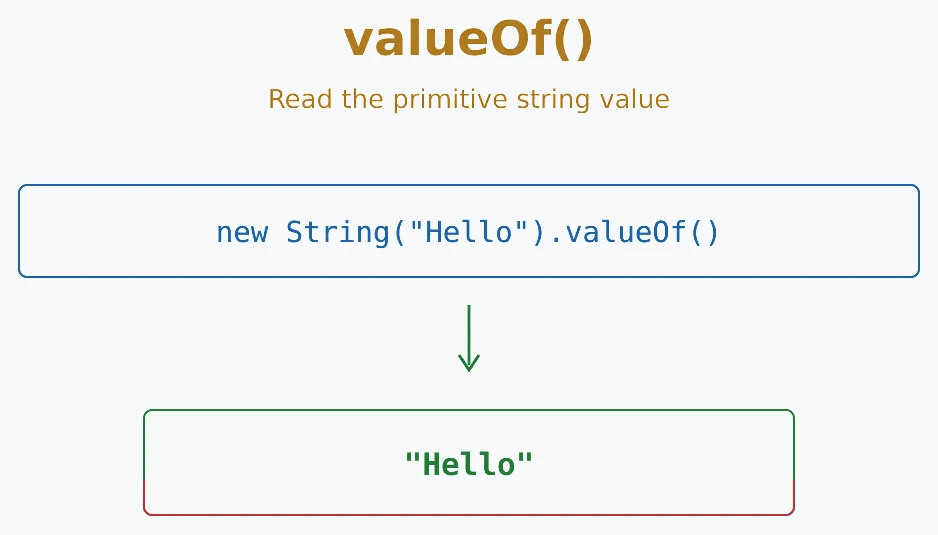
//Syntax: string.valueOf()

//Example:
let strObj = new String('Hello');
console.log(strObj.valueOf());  // Output: 'Hello'
- Strings are primitive text values written with single quotes, double quotes, or backticks.
- Quotes must match: start with ' and end with ', or " with ".
- Escape characters use a backslash (\) to include special characters like \n, \', \".
-
String literals create primitive
strings directly in your code. Avoid
new String()in normal application code. - .length gives you the total length in UTF-16 code units, including spaces, so some Unicode characters can count as more than one.
-
Indexing lets you read code units
with
[index]. Useat()orfor...ofwhen Unicode code points matter. - Immutability means you cannot change a string in place. Operations return new values.
-
String methods do not modify the
original string. Methods such as
toUpperCase()andslice()return new strings, whilesplit()returns a new array.
Next step: Practice the methods in an exercise or quiz, then combine trim(), toLowerCase(), and includes() in a small input-validation task.
- What is a string in JavaScript?
- What are the different ways to create strings in JavaScript?
- How do you convert a number to a string in JavaScript?
- How do you convert a string to a number in JavaScript?
- What is the difference between == and === when comparing strings?
- How can you check if a string contains a specific substring?
- How do you extract a part of a string in JavaScript?
- What is the difference between slice(), substring(), and substr()?
- What are template literals and how are they different from regular strings?
- What is the difference between replace() and replaceAll()?
- How do you check if a string matches a regular expression in JavaScript?
- How do you find the first occurrence of a substring in a string?
- How do you find all occurrences of a substring in a string?
- What are Unicode and UTF-16 in the context of JavaScript strings?
- How do you convert a string to its character code and vice versa?
- How do you iterate through each character of a string?
- What is the difference between charAt() and charCodeAt()?
- What happens when you try to access a character at an index that doesn't exist?
- Is JavaScript string immutable? Explain.
- How do you handle multi-line strings in JavaScript?
- What are some performance considerations when working with strings?
- How do you use regular expressions with strings in JavaScript?
- What is the difference between match() and exec() when dealing with regular expressions?
- How do you check if a string is empty in JavaScript?
- What is a tagged template literal in JavaScript?
Videos for this topic will be added soon.