JavaScript Enhanced Object Literals
These features remove repetitive object code and make your intent clearer. You will use them regularly when building configs, API payloads, and reusable components.
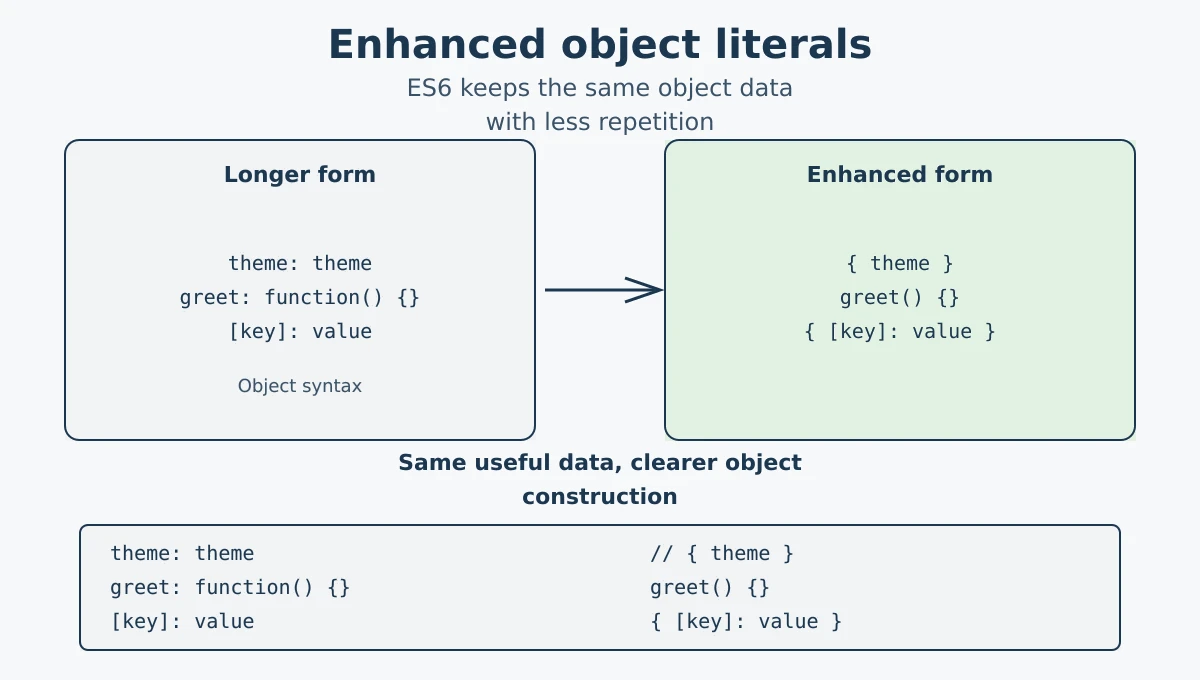
ES6 (ECMAScript 2015) introduced shorthand improvements for writing objects in JavaScript. These are called enhanced object literals, and they help you write cleaner code with less repetition.
The three main features covered in this tutorial are property shorthand, method shorthand, and computed property names.
Optional chaining is a related modern JavaScript feature, but it is not object-literal shorthand. It changes how you read or call values after an object already exists.
Start with the ES5 idea: an object literal is a value written with curly braces, containing named properties and functions. ES6 does not change what the object stores; it gives you shorter syntax for creating the same kinds of properties.
| Feature | ES5 syntax | ES6 syntax | What changed? |
|---|---|---|---|
| Property shorthand | { theme: theme } |
{ theme } |
When the variable and property have the same name, write the name once. |
| Method shorthand | { greet: function() { ... } } |
{ greet() { ... } } |
Remove the property colon and function keyword. |
| Computed property names | var object = {}; object[key] = value; |
{ [key]: value } |
Use brackets while creating the object to evaluate the property name. |
The ES5 forms are still valid JavaScript, so learn to recognise them when reading older code. The ES6 forms mainly reduce repetition; they do not automatically make an object immutable, private, or safer.
When a variable name and the object property name are exactly the same, you do not need to repeat yourself. You can just write the variable name once.
let theme = "dark";
let layout = "grid";

// Old way
let config1 = { theme: theme, layout: layout };

// ES6 shorthand (same name, write once)
let config2 = { theme, layout };

console.log(config2); // Output: { theme: 'dark', layout: 'grid' }
This is especially handy when building objects from function parameters or variables that already have the right names.
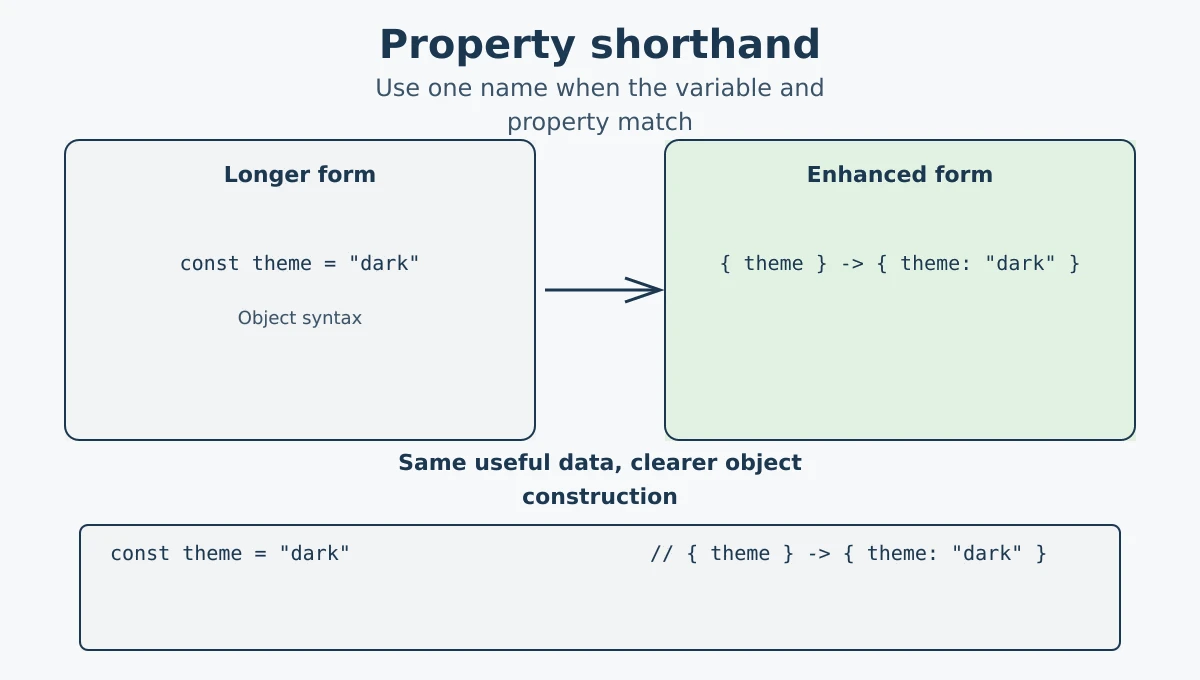
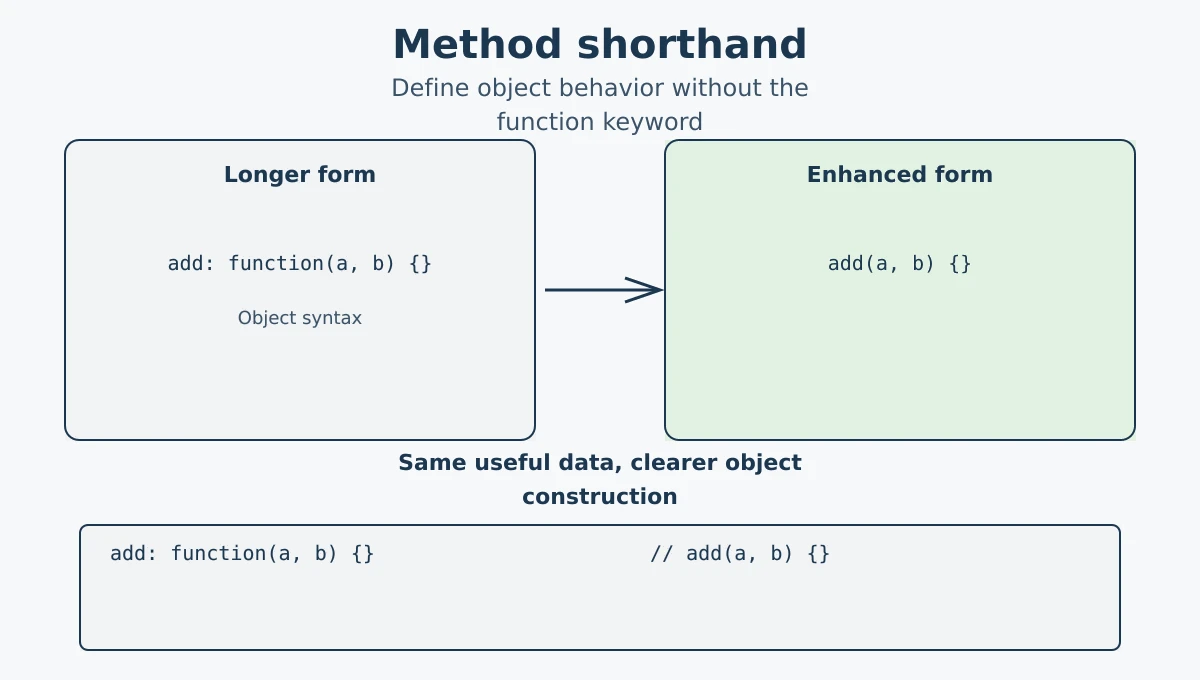
Method shorthand removes the function keyword and the colon syntax used in the older object-literal form. You can write the method name and parentheses directly.
// Old way
let calculator1 = {
  add: function(a, b) {
    return a + b;
  }
};

// ES6 method shorthand
let calculator2 = {
  add(a, b) {
    return a + b;
  }
};

console.log(calculator2.add(3, 4)); // Output: 7
The method shorthand keeps the object cleaner. It works like a regular method definition, so this refers to the object when the method is called as calculator2.add(). It is not the same as an arrow function, which does not create its own this.
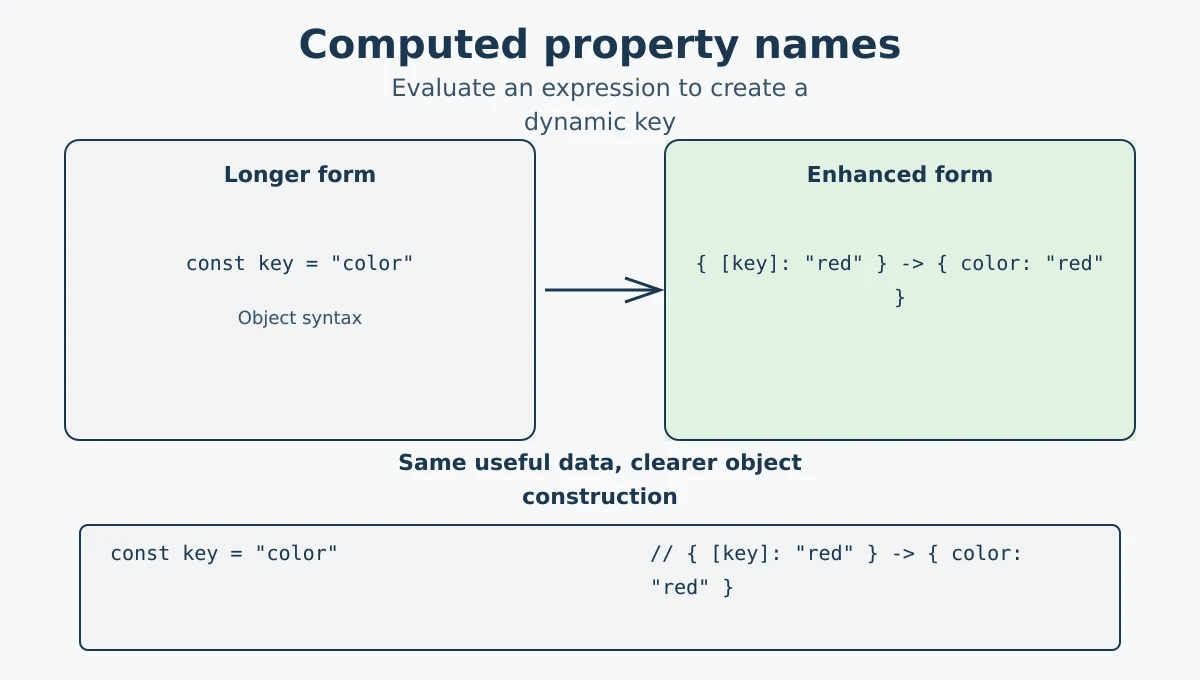
Computed property names let you calculate the property key while creating the object. Put the expression inside square brackets [].
let key = "color";

let car = {
  brand: "Toyota",
  [key]: "red"   // computed property name
};

console.log(car); // Output: { brand: 'Toyota', color: 'red' }
You can also use expressions inside the brackets:
let prefix = "panel";

let layout = {
  [prefix + "1"]: "sidebar",
  [prefix + "2"]: "navbar"
};

console.log(layout); // Output: { panel1: 'sidebar', panel2: 'navbar' }
The expression inside [] is evaluated when the object literal is created, and its result is used as the property key. The result can be a string, number, or Symbol.
Optional chaining (?.) is a related modern JavaScript feature, but it is not part of enhanced object literal syntax. It safely accesses a property or calls a method when the value before ?. may be null or undefined.
const config = {
  display: {
    columns: 3
  }
};

console.log(config.display?.columns); // 3
console.log(config.toolbar?.position); // undefined
?? provides a fallback only when a value is null or undefined. It is separate from enhanced object literal syntax and from optional chaining.
Practical Pattern: Combining Modern Object Syntax
Enhanced object syntax is useful when an object combines values, behavior, and dynamic keys. This example also uses optional chaining and nullish coalescing for API data; those are related modern JavaScript features, not enhanced object literal features.
function createPayload(user, fieldName, fieldValue) {
  const { id, name } = user; // destructure the values we need

  return {
    id,                         // property shorthand
    name,
    [fieldName]: fieldValue,    // computed property name
    describe() {                // method shorthand
      return `${this.name} (${this.id})`;
    },
    avatarUrl: user.profile?.avatar ?? "/default-avatar.png"
  };
}

const payload = createPayload(
  { id: 7, name: "Mina", profile: {} },
  "status",
  "active"
);

console.log(payload.describe()); // Mina (7)
console.log(payload.avatarUrl); // /default-avatar.png| Syntax | Job | Why it helps |
|---|---|---|
{ id, name } | Property shorthand | Removes repeated names when variables already match the API fields. |
describe() {} | Method shorthand | Keeps object behavior readable and preserves method this. |
[fieldName] | Computed property | Creates a key from runtime data. |
?. with ?? | Related syntax | Safely reads missing nested data and provides a fallback without replacing valid falsy values. |
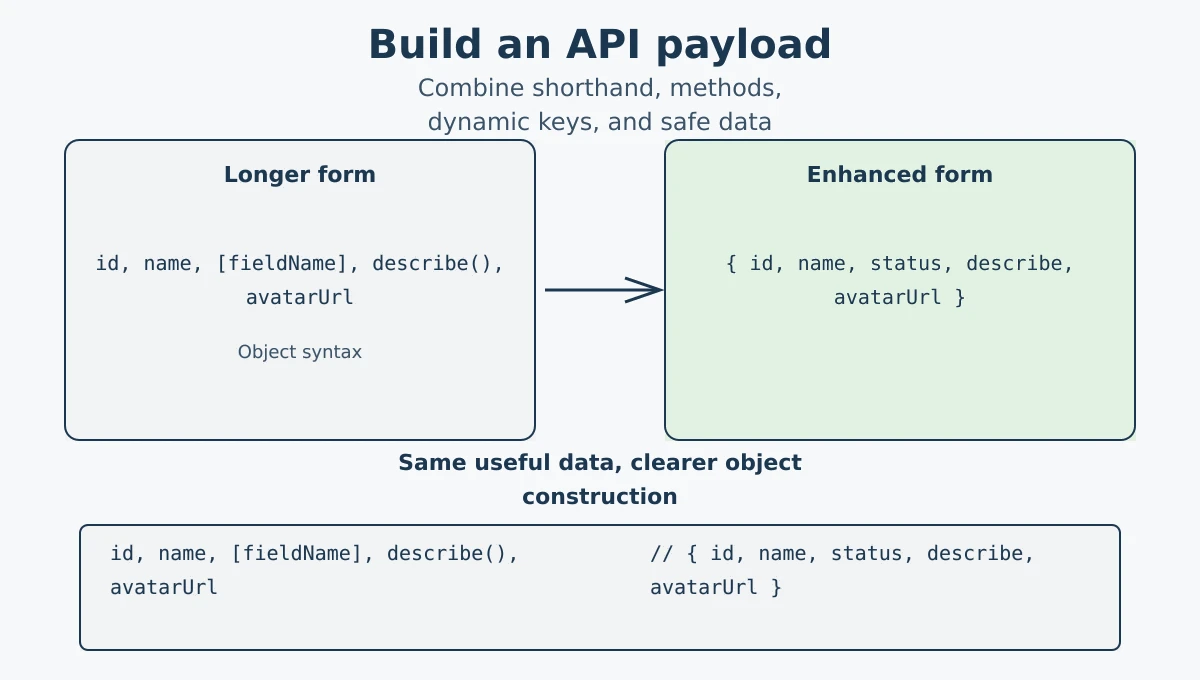
- Property shorthand: when the variable name matches the property name, write it once:
{ theme }instead of{ theme: theme }. - Method shorthand: skip the
functionkeyword inside objects:greet() {}instead ofgreet: function() {}. - Computed property names: use square brackets to set property names from expressions:
{ [key]: value }. - Related syntax: optional chaining (
?.) safely accesses a value when the previous value may benullorundefined. ??provides a fallback only when a value isnullorundefined.
What's next? Now that you can write cleaner object code, let's explore browser-related APIs in the BOM tutorial.
Videos for this topic will be added soon.